 VINTA
Comparison · 10 cameras
One photo, ten film cameras
The hardest part of a vintage camera app is choosing. So we took one golden-hour street photo and developed it through ten of Vinta's cameras. Use the picker to compare the five colour looks with a slider, then scroll for the five that come with a frame.
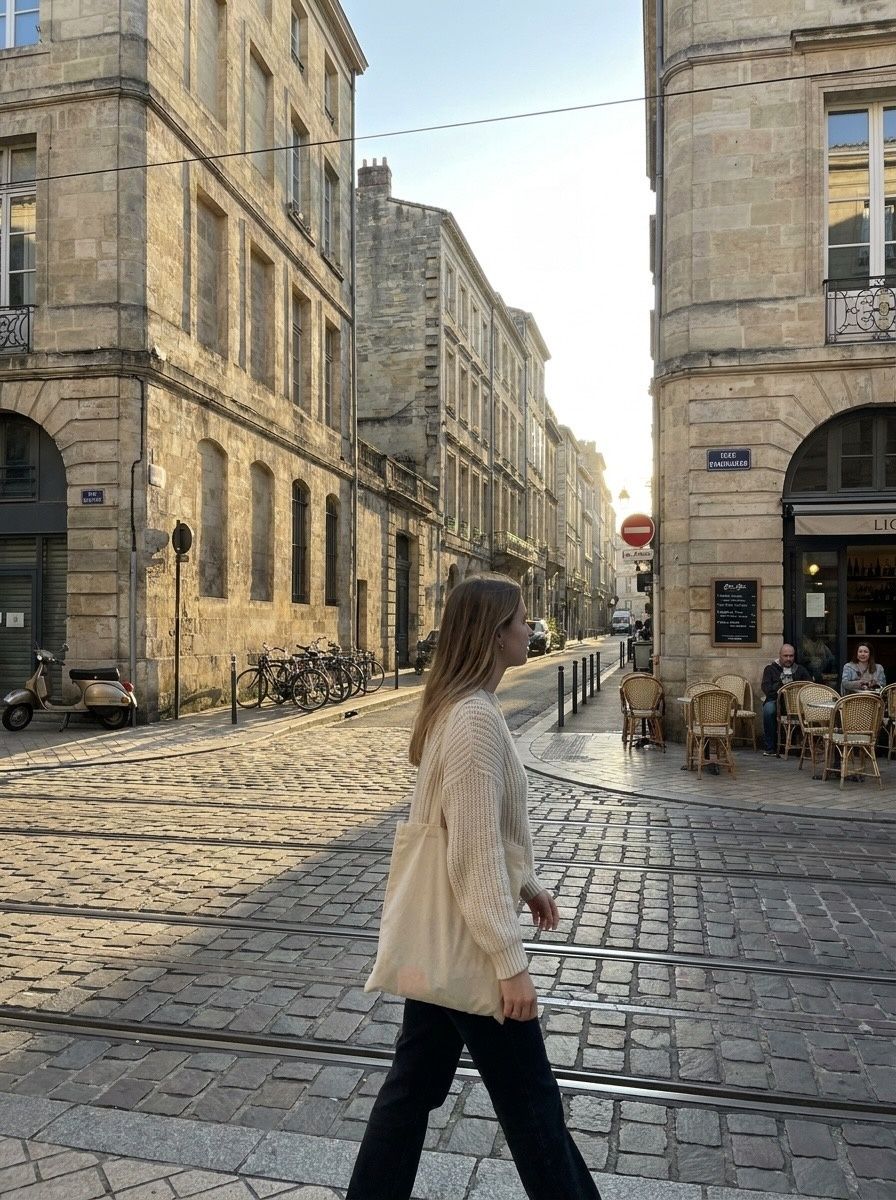
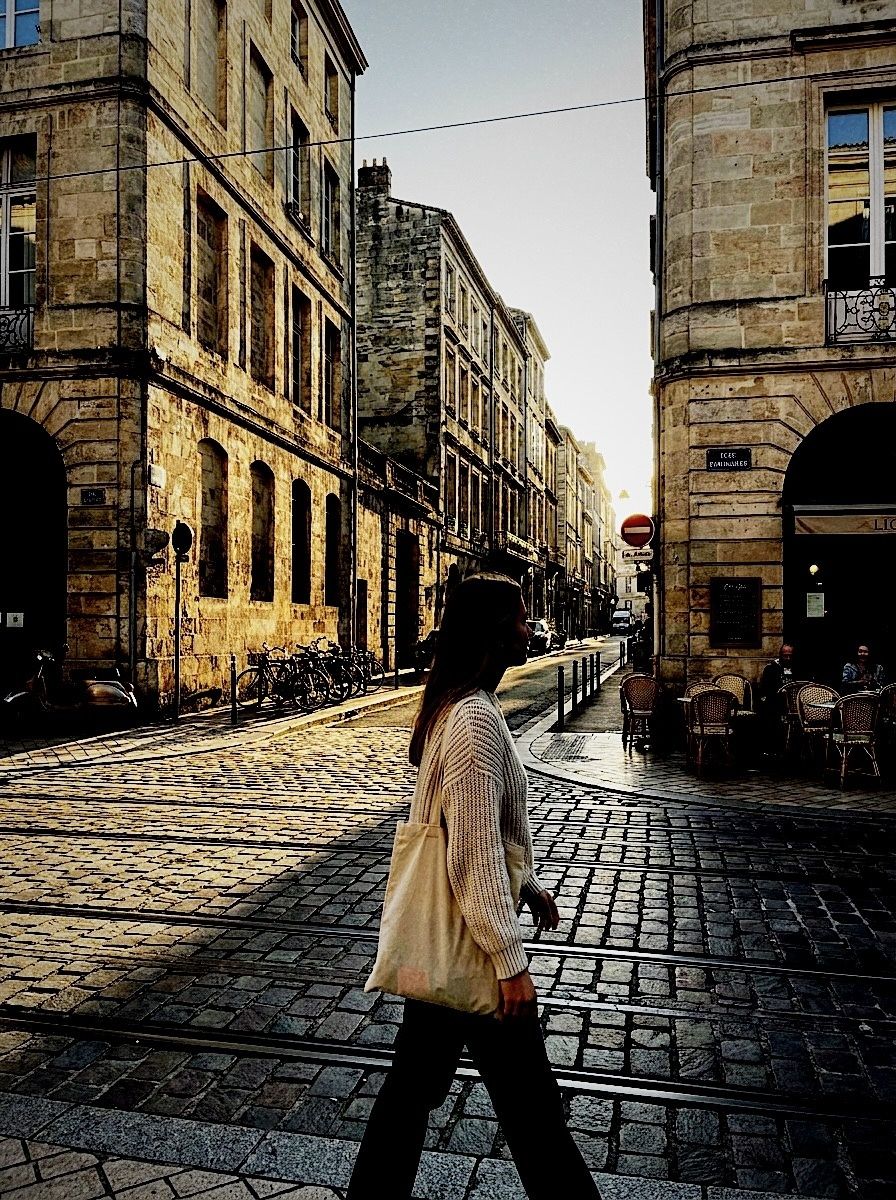 BeforeAfter · GR F
In this post
- How this comparison works
- Five colour looks, one slider
- Five looks with a frame, plus a print
- How to choose a camera
- How to do it in Vinta
How this comparison works
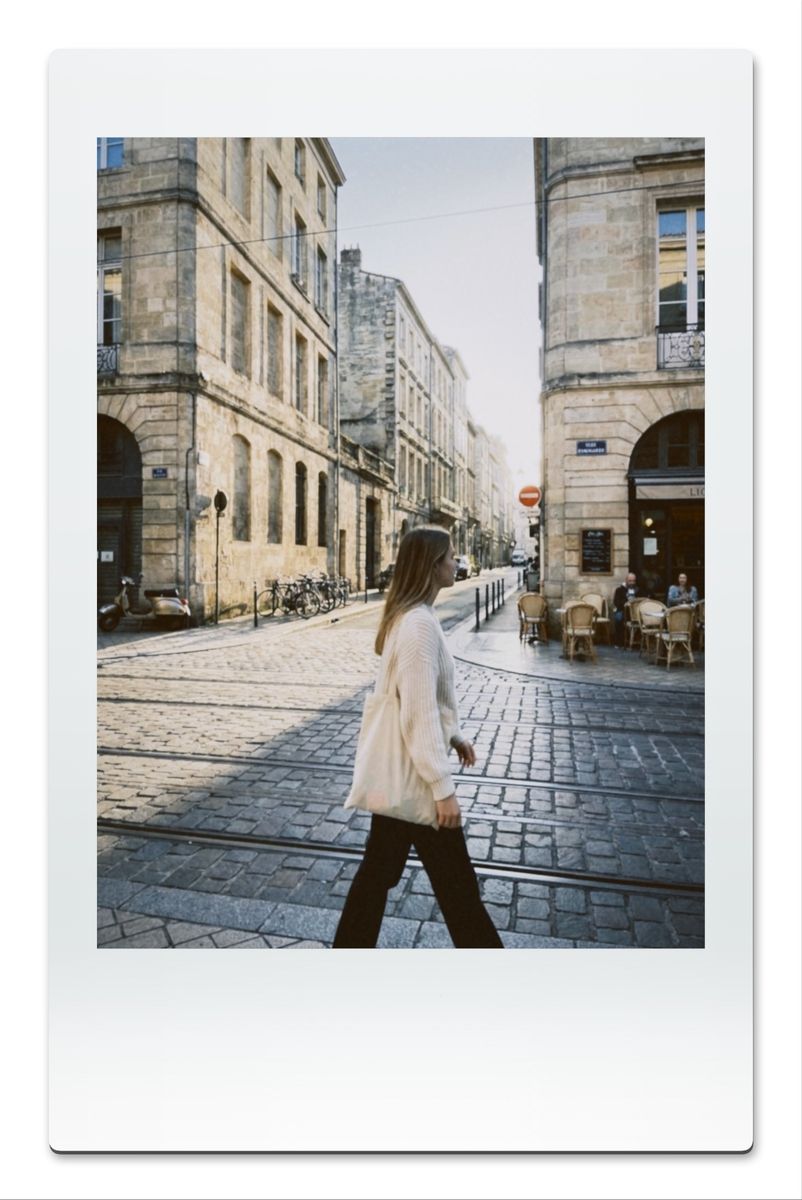
Comparing filters on different photos is useless — a sunset makes everything look good. So every image on this page starts from the same phone photo: a woman crossing a cobbled street at golden hour, with bright sky, deep shade and warm stone, which is a hard test for any look. Each version is that photo developed once in Vinta with one camera and saved straight to the library. Nothing was adjusted afterwards.
A quick vocabulary note: “vintage filter” covers three different things. Colour looks change tone and colour (FXN, OFM, CT2F, GR F, HOGA). Format looks also put the photo onto a physical medium — a negative, a slide, a print (KV80, D CLASSIC, S CLASSIC, D SLIDE, 135 SR). And camera looks recreate a type of camera, flash and all, like the disposables and the CCD digicam.
Five colour looks, one slider
Pick a camera, then drag the slider. The left side is always the untouched phone photo.
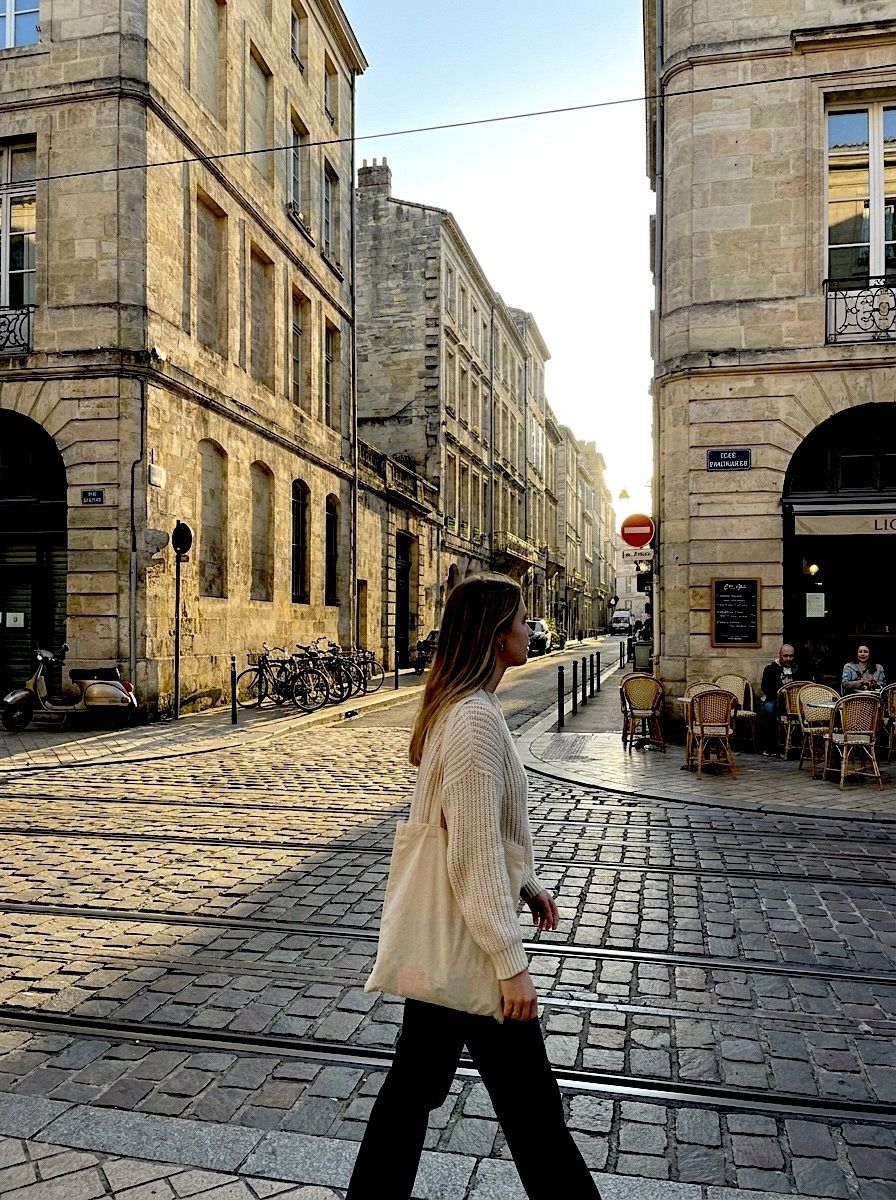 BeforeAfter · FXN
FXN — Crisp green-shadow classic
Deeper shadows with a cool green lean and a slightly cooler sky. The Fuji-style option.
| Camera | Vinta calls it | What it does to this photo |
|---|---|---|
| FXN | Crisp green-shadow classic | Deeper shadows with a cool green lean and a slightly cooler sky. The Fuji-style option. |
| OFM | Manual SLR, muted chrome | Warm and creamy with muted colour — the look of a 70s or 80s SLR shot on everyday film. |
| CT2F | Trusty 35mm compact | Bright, airy and cool, with a lavender sky. Like a well-loved 35mm compact in daylight. |
| GR F | High-contrast street shooter | Hard contrast and deep shadows — a street photographer's compact. |
| HOGA | Plastic toy cam chaos | Soft, faded and low-contrast with dark corners — a plastic toy camera. |
Five looks with a frame, plus a print
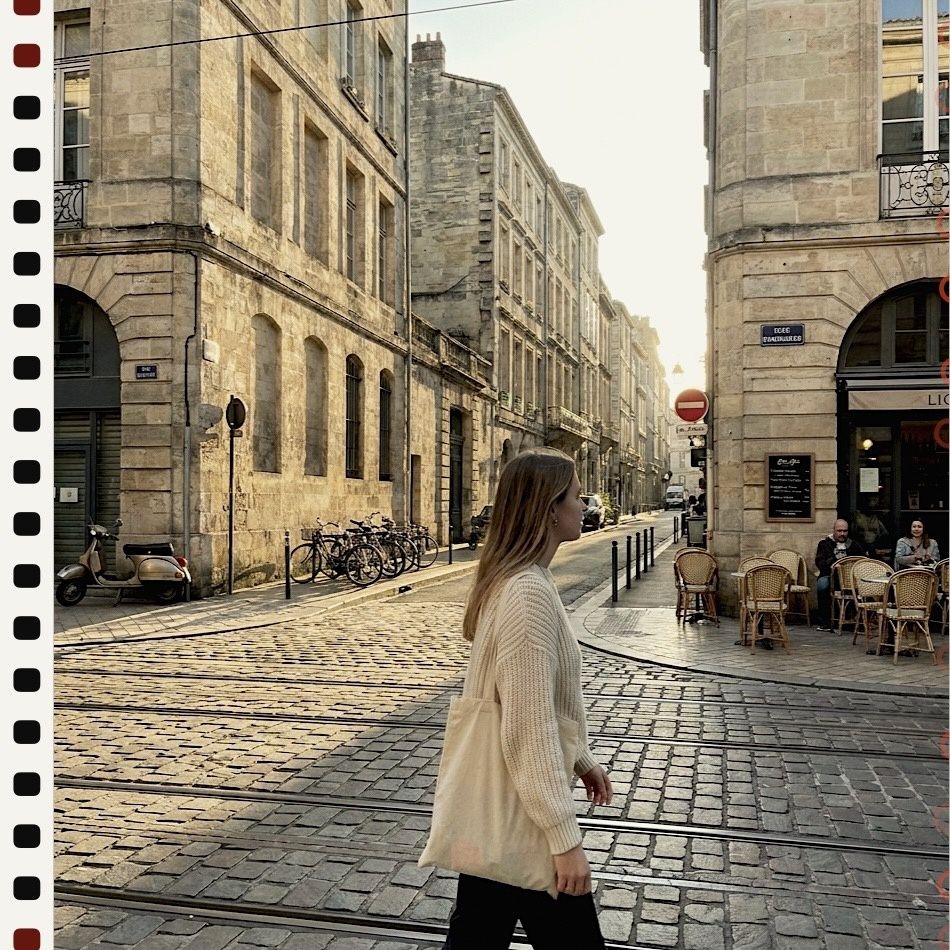
These cameras don't just change the colour — they develop the photo onto a format: a medium-format square with sprocket holes, a negative with a black border, a slide in its mount, a strip of 35mm film, an instant print.
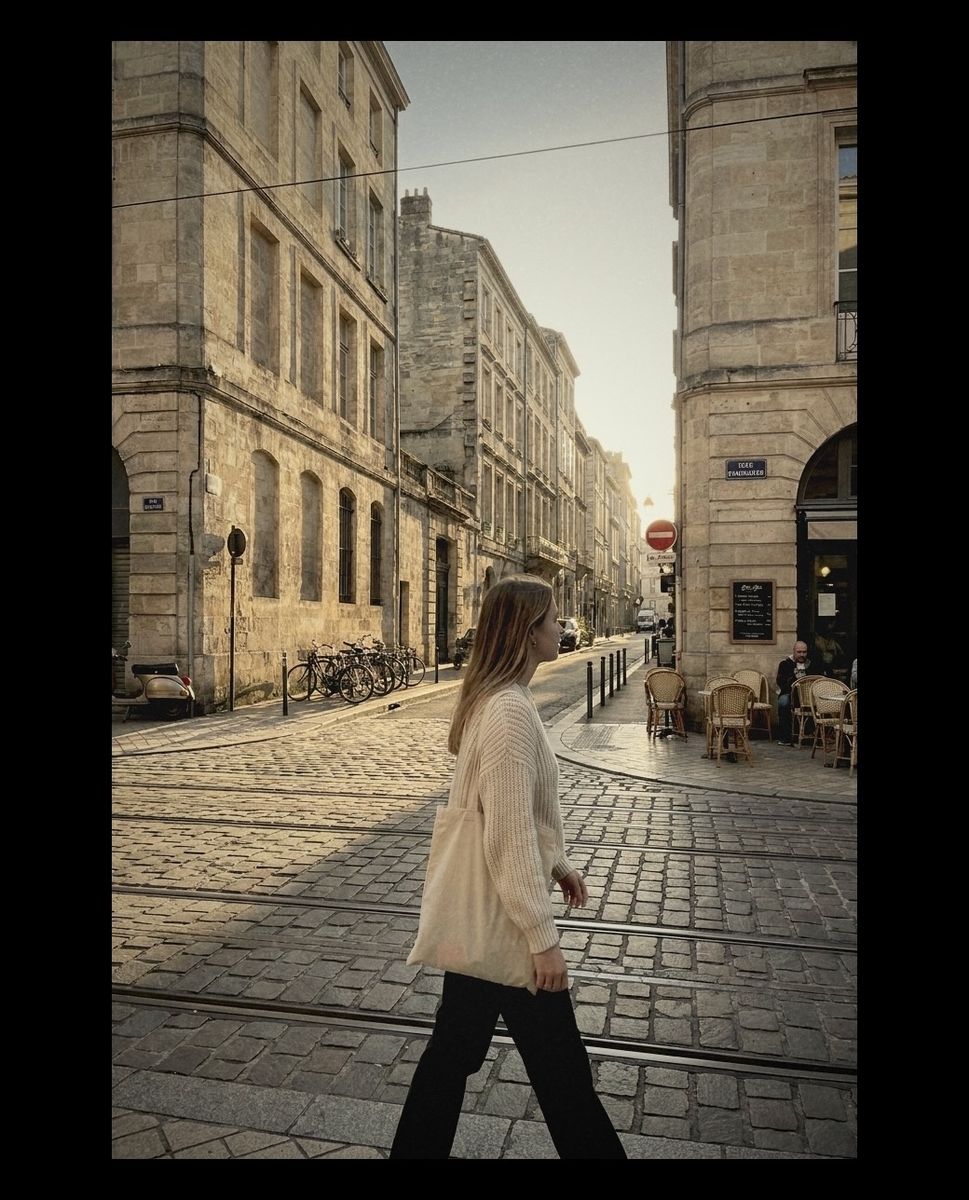
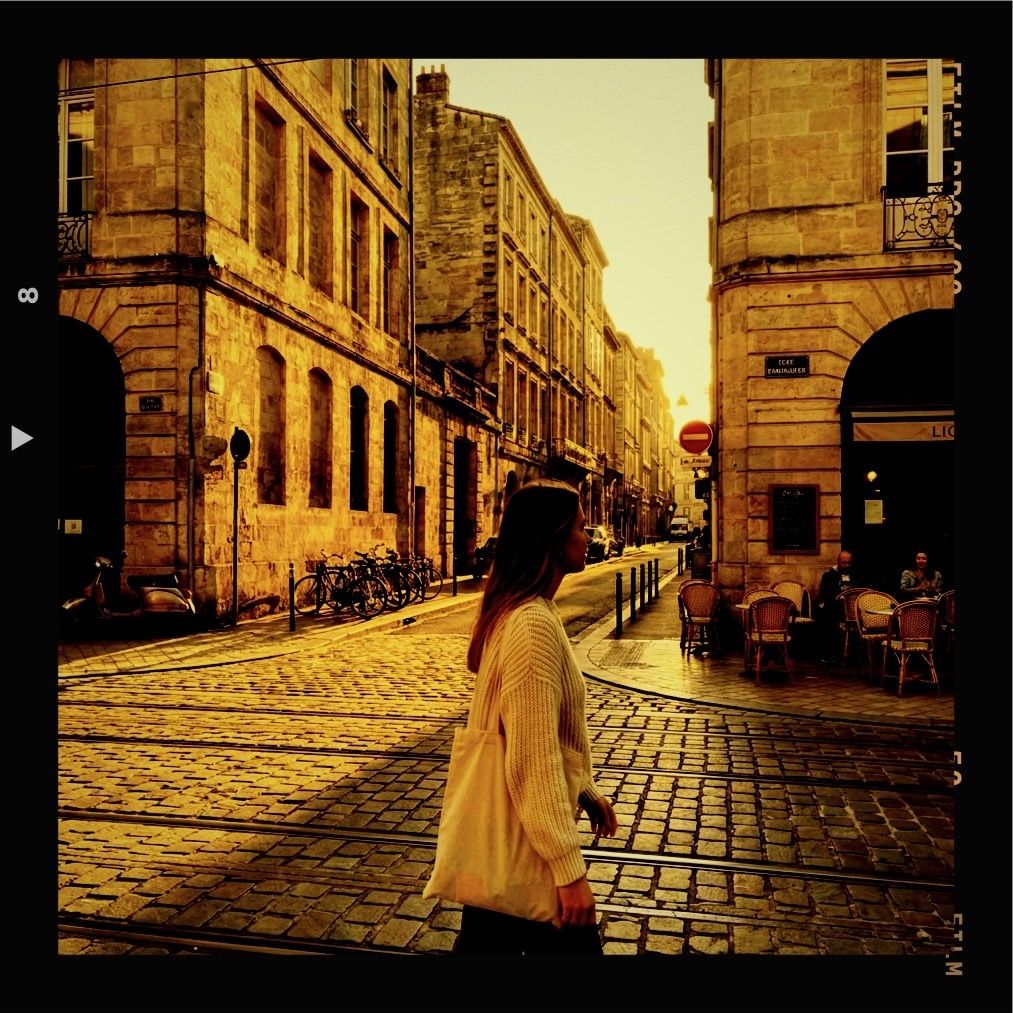
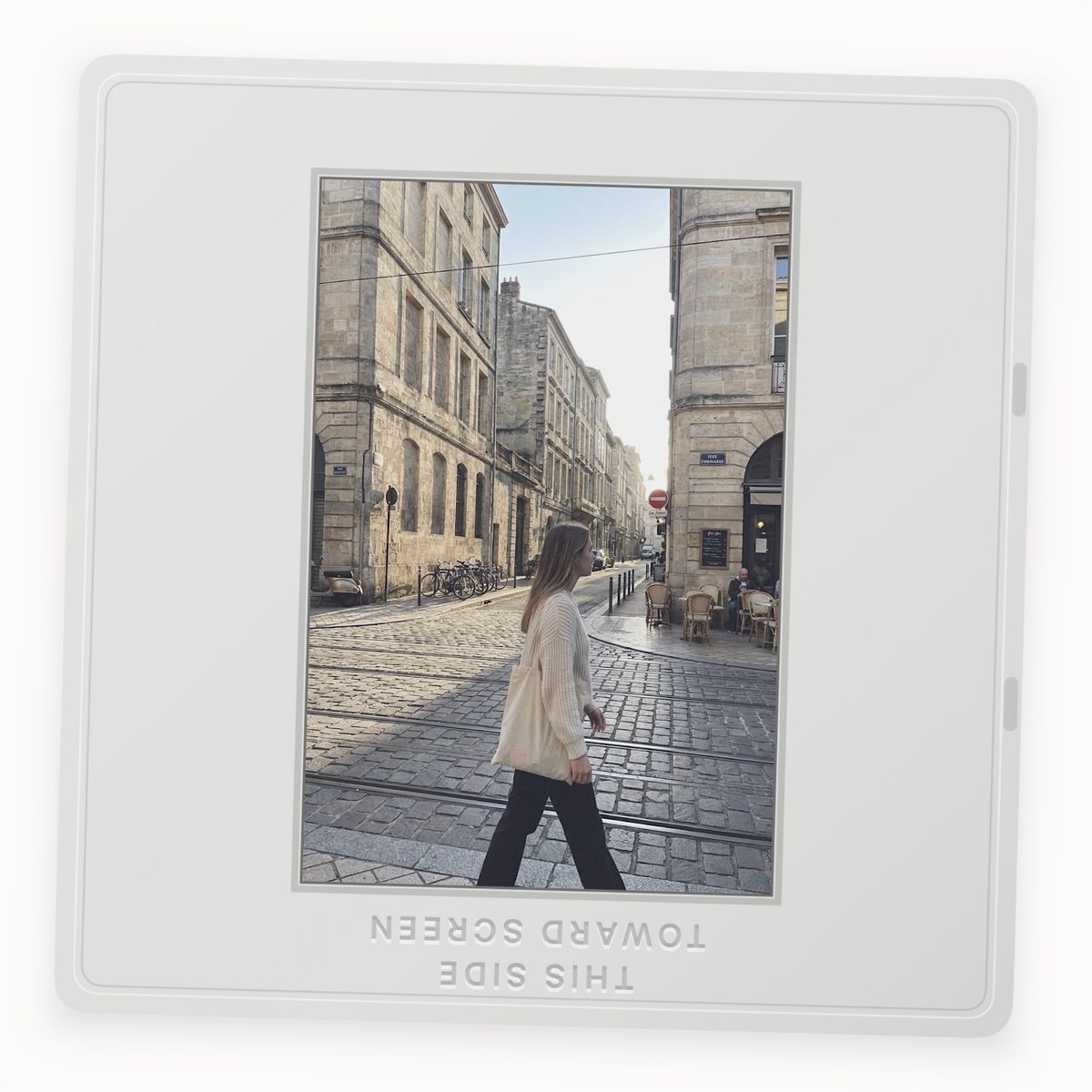
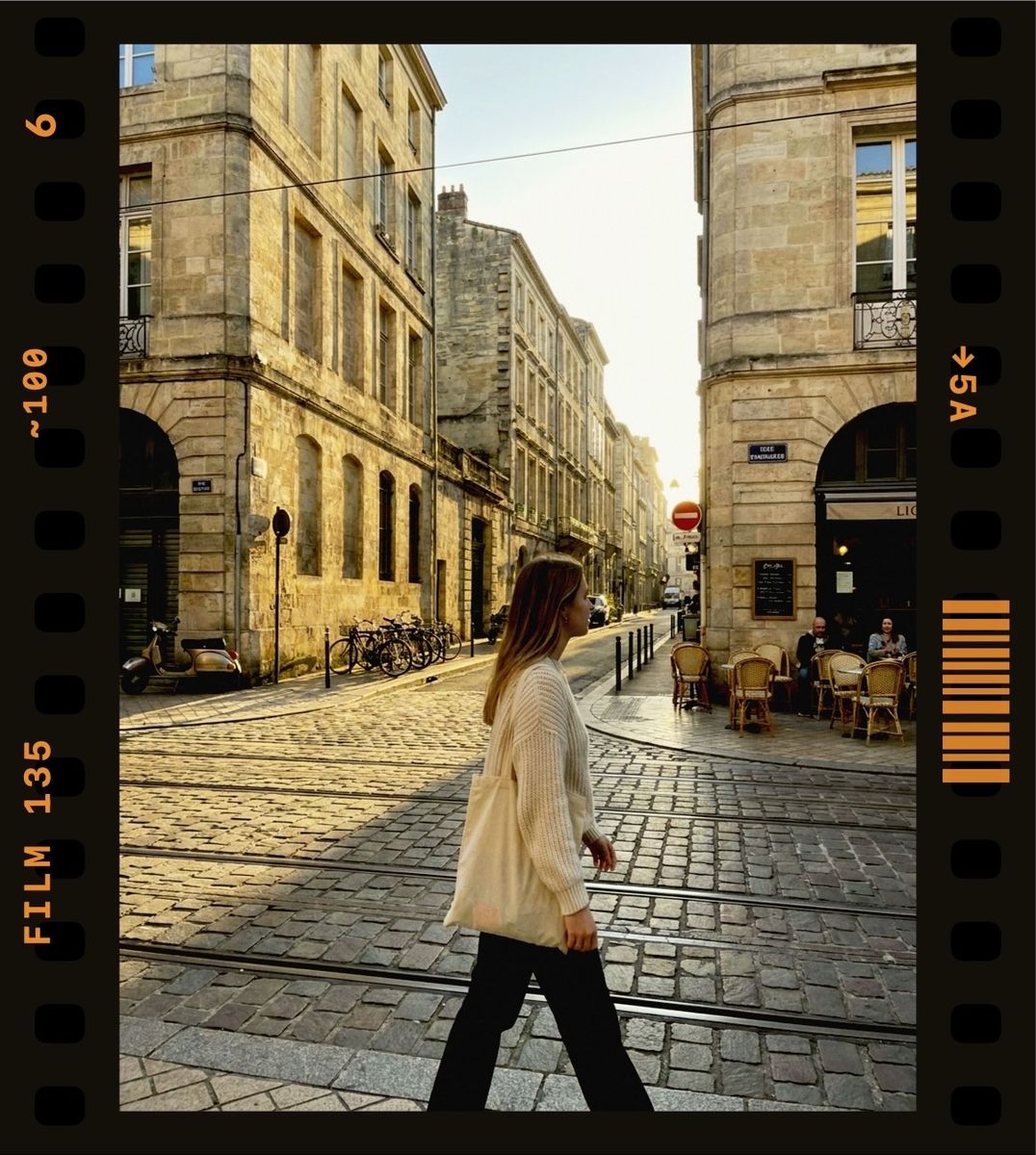
How to choose a camera
By light
- Bright sun: GR F for drama, CT2F for airy and bright, FXN to tame flat HDR shadows.
- Golden hour: OFM to keep it warm and soft, S CLASSIC to go all-in on amber.
- Night and indoors: a flash disposable — see the disposable guide — or the CCD digicam.
By mood
- Clean and modern-vintage: FXN, CT2F, CCD.
- Warm and nostalgic: OFM, D CLASSIC, DISPOSABLE-3.
- Lo-fi and imperfect: HOGA, XPIRED, DISPOSABLE-4.
- “This is a physical photo”: KV80, 135 SR, D SLIDE, INST C.
Can't decide? Import the photo and swipe through the cameras on the Develop Photo screen. Every look previews on your own photo before you save anything.
How to do it in Vinta
- Pick a camera
Open Vinta and tap the camera button at the bottom right. The drawer lists every camera with a one-line description of its look.
- Shoot or import
Press the shutter to shoot with the look applied live, or tap the import button to bring in a photo you've already taken.
- Develop & save
On the Develop Photo screen, swipe through the cameras to preview each look on your photo, then tap Develop & Save. It lands in your Photos library, with no watermark.
FAQ
What is the best vintage filter app for iPhone?
It depends on what you want. Vinta's strength is choice and honesty: dozens of film, disposable, digicam and instant cameras, previewed live or on your own photos, with no watermark on exports. Try a few looks on one photo, as above, and keep the one that fits.
Are these real film scans?
No. They're Vinta's digital camera looks, applied to a phone photo. Each camera has its own colour, contrast, grain and in some cases a frame, so the result reads like that kind of film or camera.
Can I use more than one camera on the same photo?
Yes. Develop the photo once per camera; each version is saved separately to your library, so you can compare them.
Are all of these cameras free?
Vinta is free on the App Store and the cameras in this comparison are in the app. Vinta Pro, when it launches, adds extras such as RAW-quality photo export, batch developing and new film stocks first.
About these photos: the “before” images are AI-generated stand-ins for everyday phone snapshots, made so we could show the same scenes across many cameras without using anyone's personal photos. Every “after” is the unedited output of Vinta developing that image on the date of this post — no extra editing, no cherry-picked presets.
More before & afters
-
 FXN
Before & after · FXN
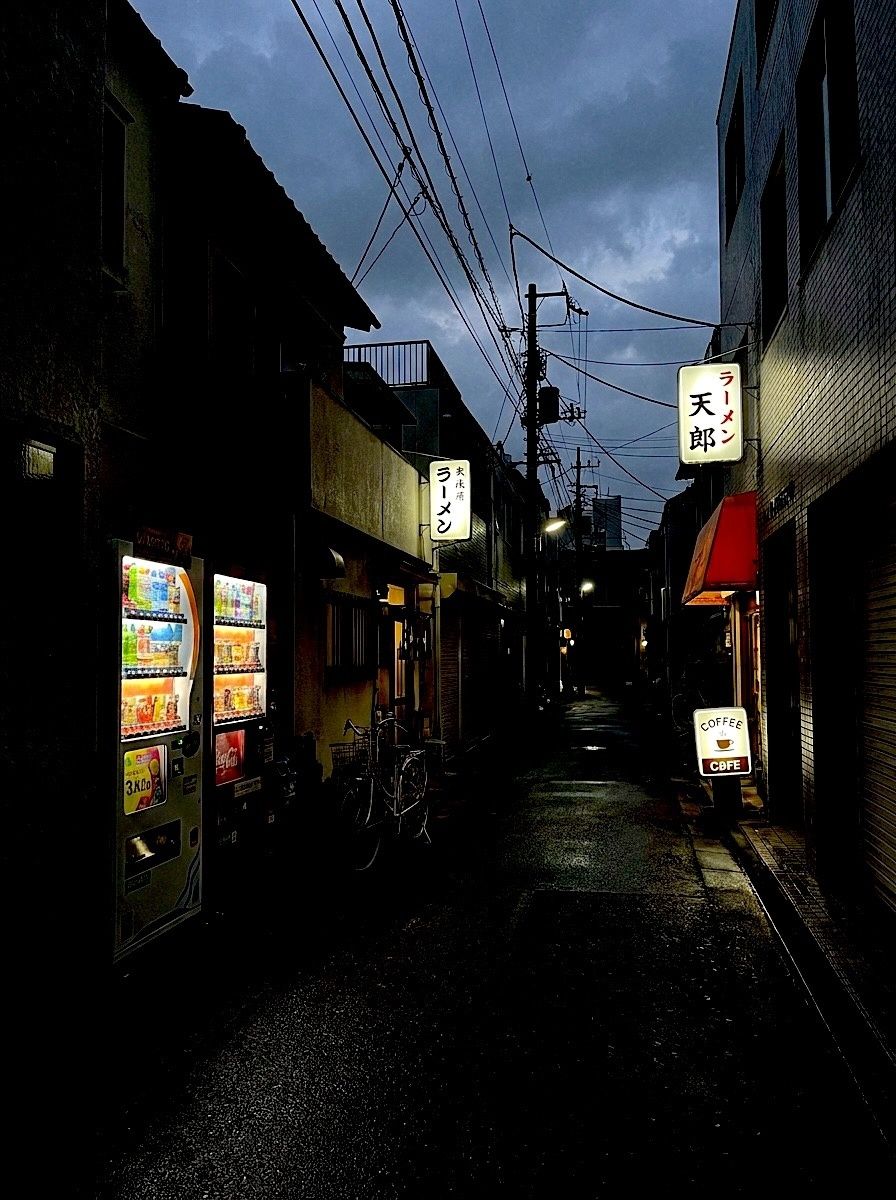
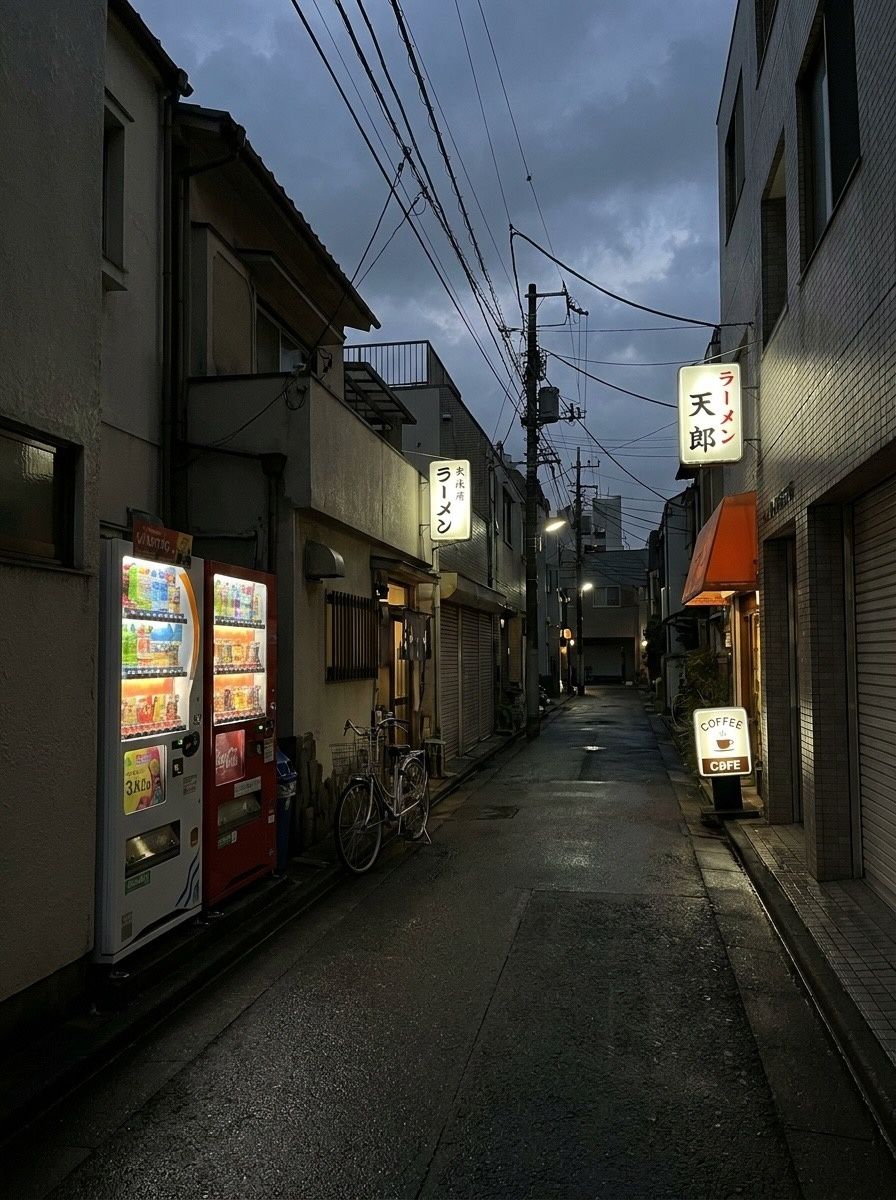
The Fuji film look on iPhone, before & after
Crisp colour, deep shadows that lean green and skin that stays natural. Six photos through FXN.
-
 DISPOSABLE-1
Before & after · Disposables
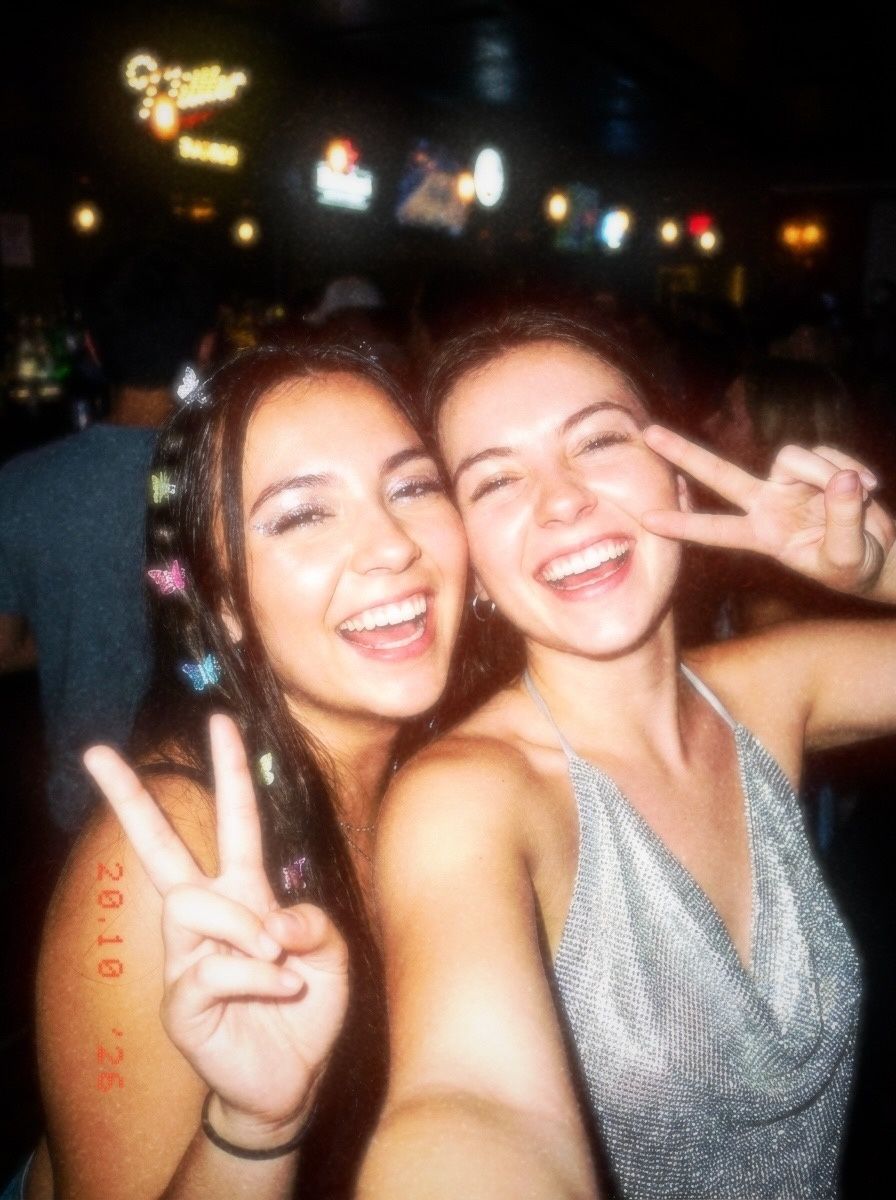
Disposable camera filter: flash, grain, date stamp
Harsh flash, warm grain, light leaks and the orange date stamp. Five photos, five disposables.
-
 CCD
Before & after · CCD
The Y2K digicam look, before & after
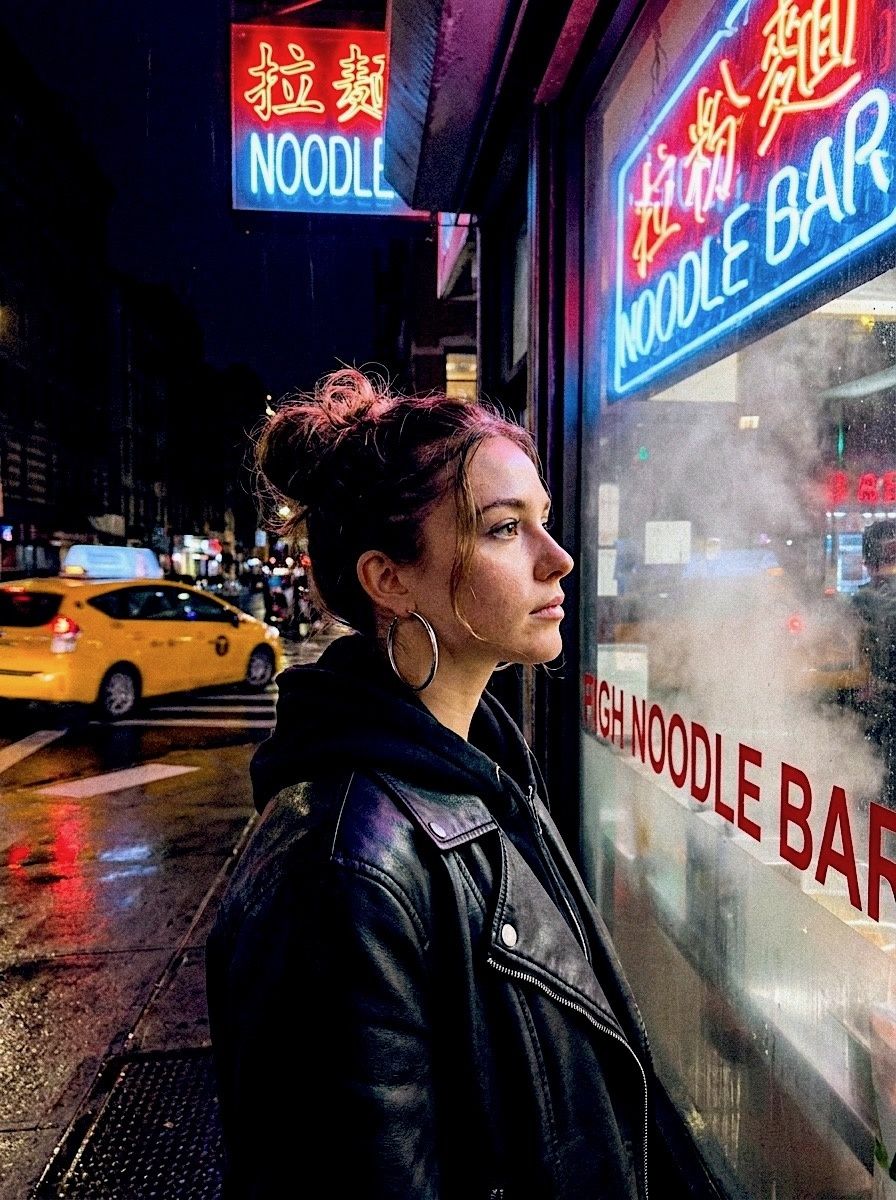
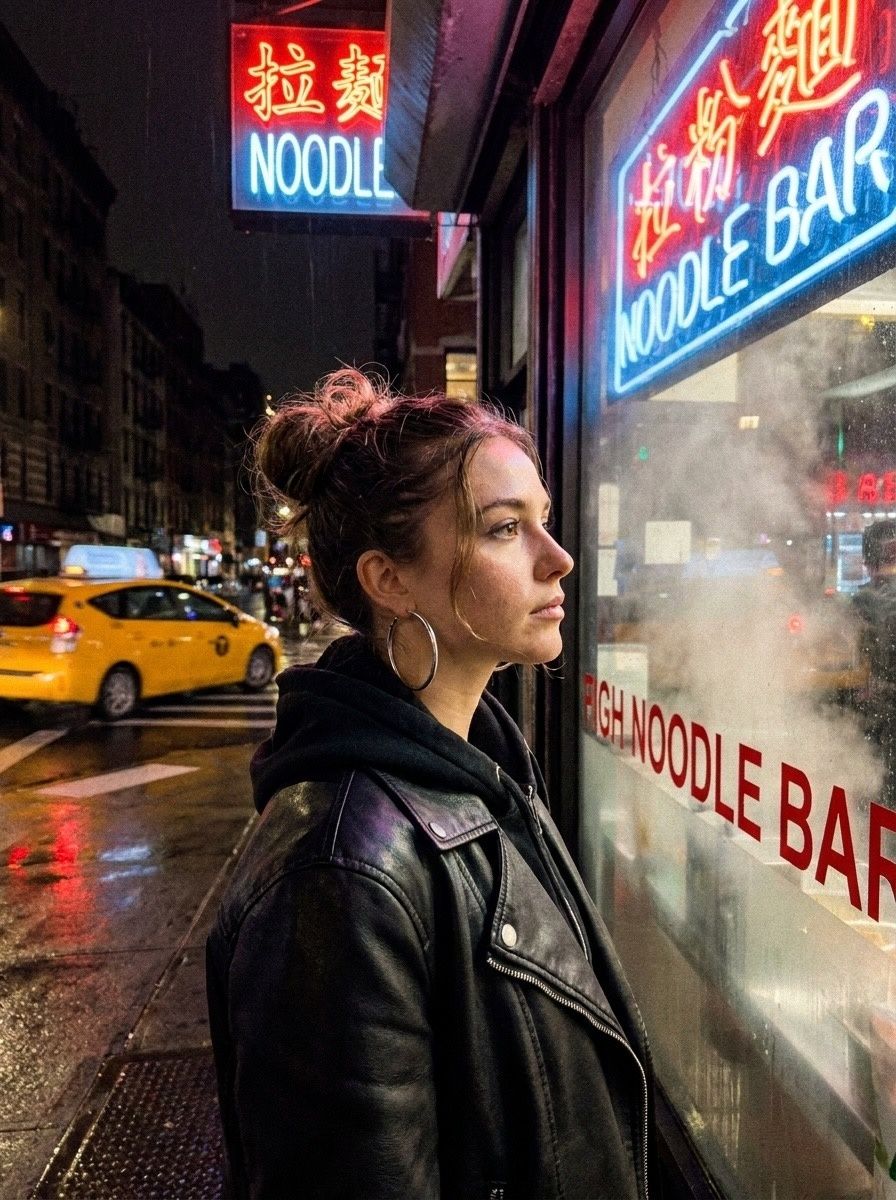
Cool, crisp and lit by a tiny flash: the 2006 pocket camera look, four ways.