 VINTA
Before & after · Instant
Instant film filter: real prints from phone photos
Nothing says “keep this one” like an instant print. Vinta has three instant cameras — a classic mini print, a square print and a peel-apart pack film — and each one develops your phone photo into a print with the soft colour and white border of the real thing.
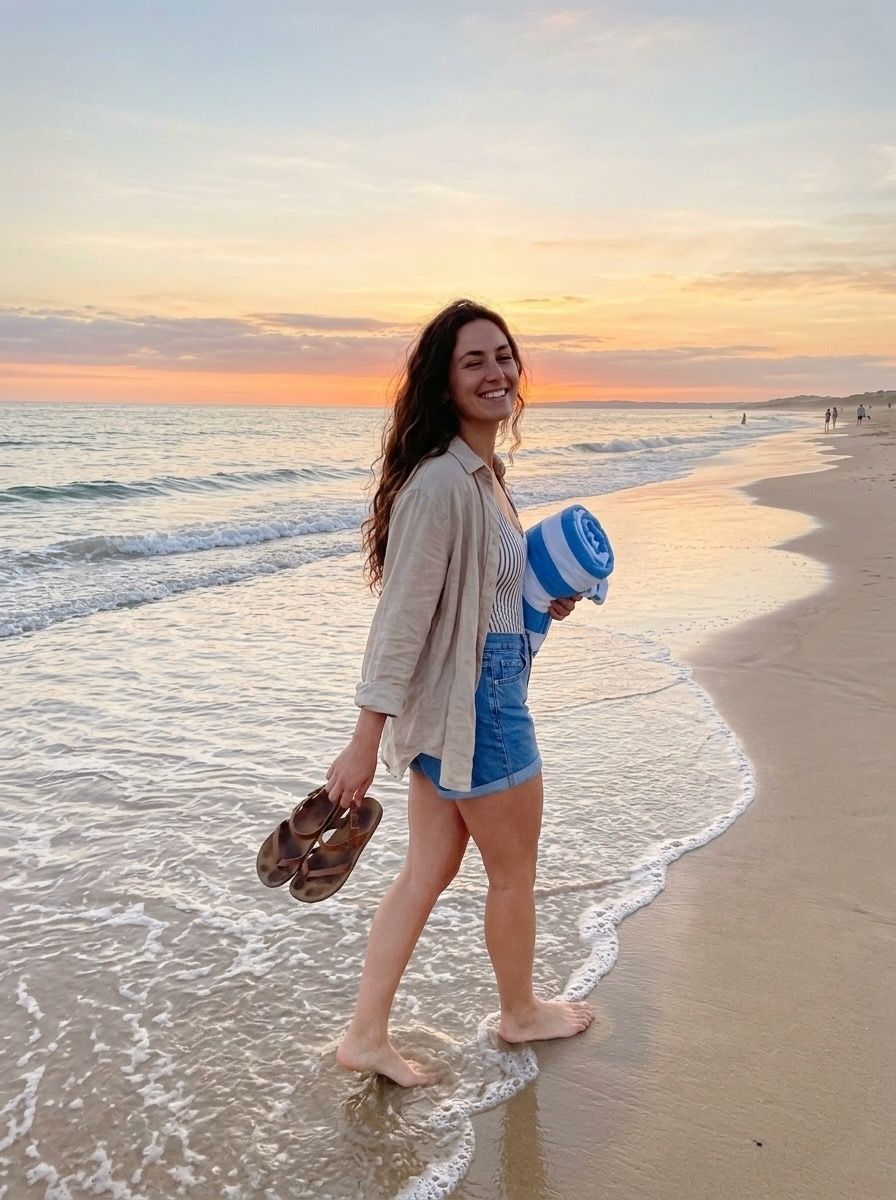 Before
 After · INST SQC
In this post
- What makes instant film look like instant film
- Three formats, three cameras
- Before & afters
- Instant film vs an instant filter
- Framing tips for instant prints
- How to do it in Vinta
What makes instant film look like instant film
Instant film develops inside the print itself, a few minutes after it leaves the camera. That chemistry gives it a look no other film has:
- Soft contrast. Blacks are lifted, highlights are gentle, and colours go pastel rather than punchy.
- A narrow range. Bright skies and deep shadows can't both fit, so instant photos tend to look hazy and dreamy.
- The border. The white frame — wider at the bottom, where the developer sits on integral film — is what makes it read as a print at a glance.
The look most people simply call “a Polaroid” is really a family of formats. Vinta covers the three most recognisable ones.
Three formats, three cameras
INST C
Classic instant printThe credit-card-sized print with a tall white border — the one you pin to a fridge or a corkboard.
INST SQC
Square instant printA square image on a print with a white border. Pastel colour and the most “print-like” of the three.
PAF
Peel-apart pack filmThe look of peel-apart film: muted, slightly cool colour and soft tones, with no white frame — just the image.
Before & afters
Instant prints add a border, so these are shown side by side instead of with a slider.
 Before
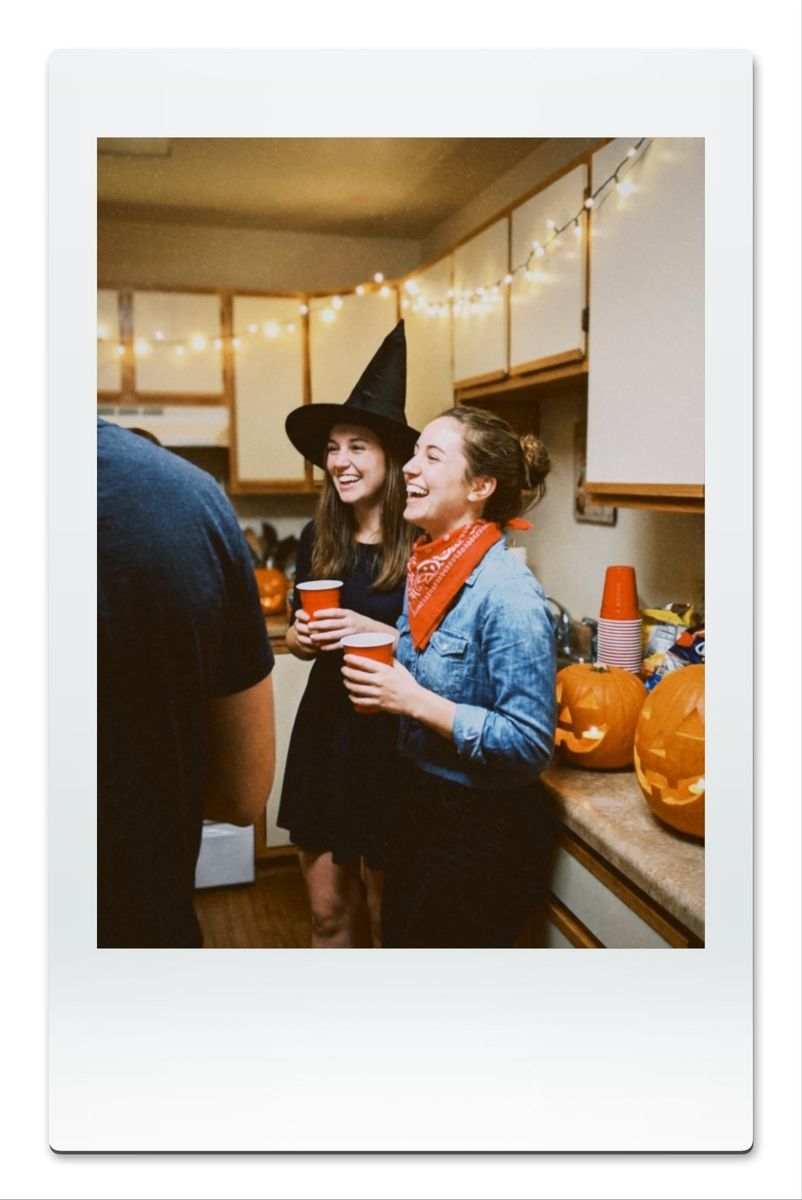 After · INST C
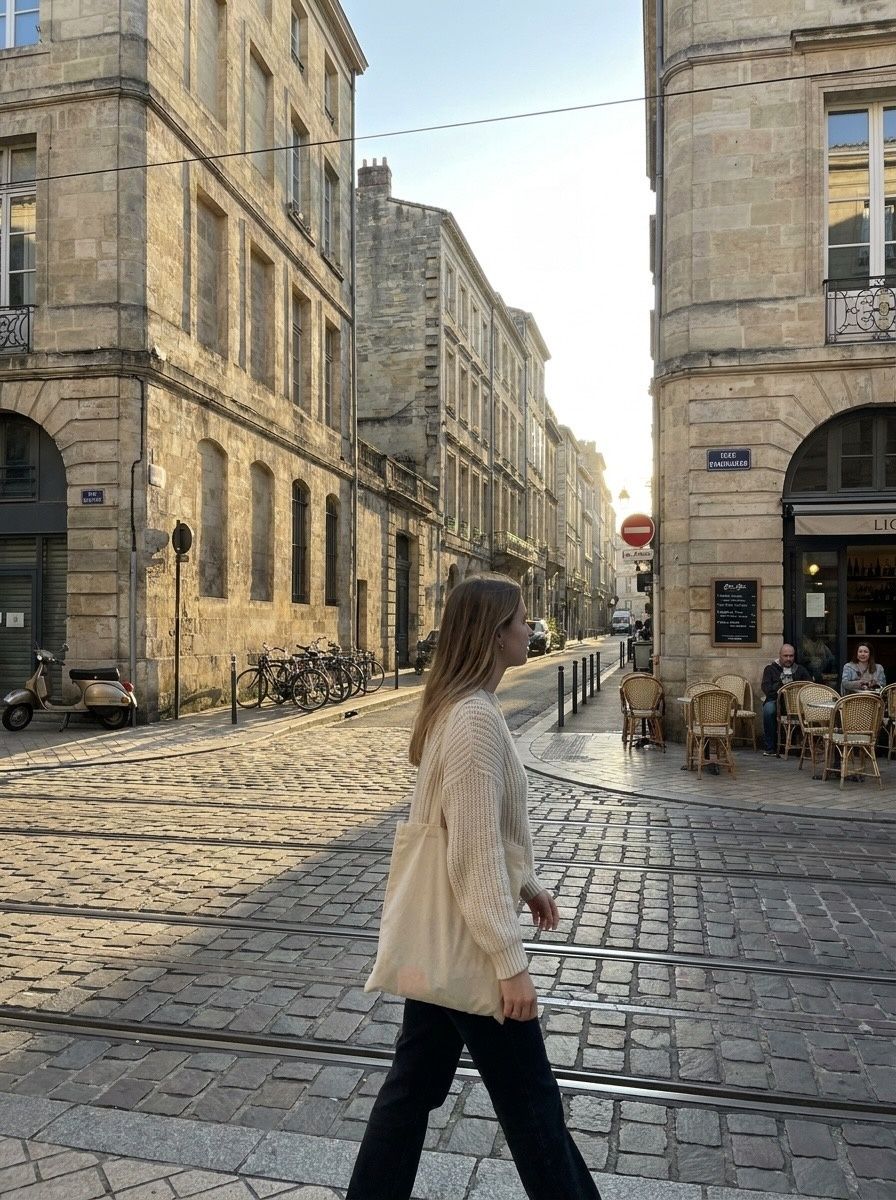 Before
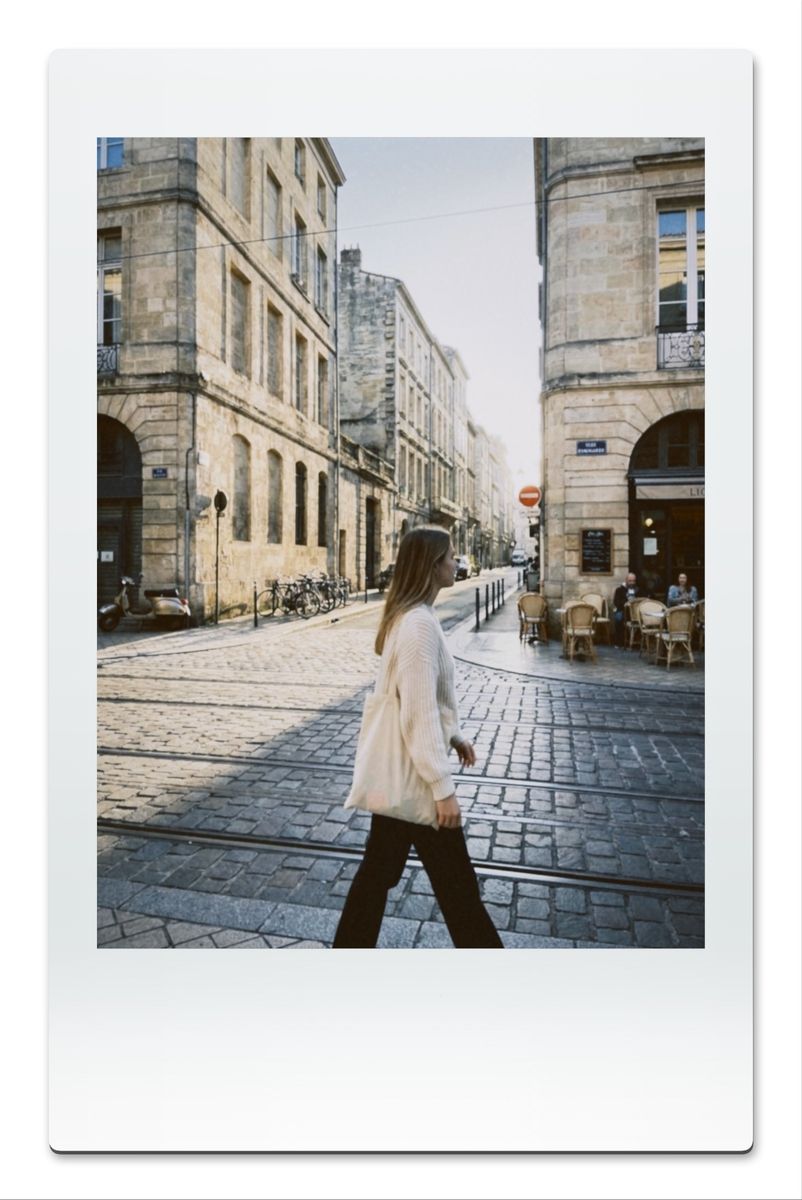 After · INST C
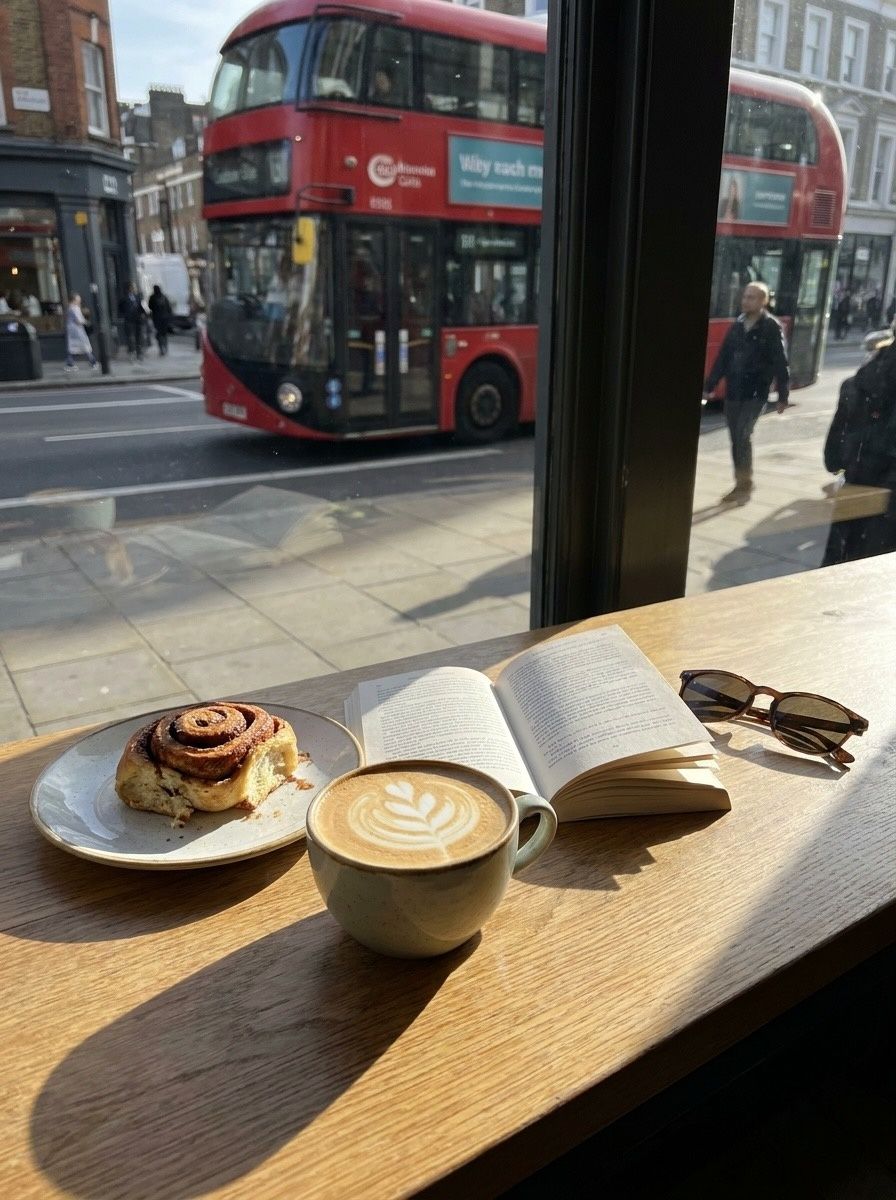
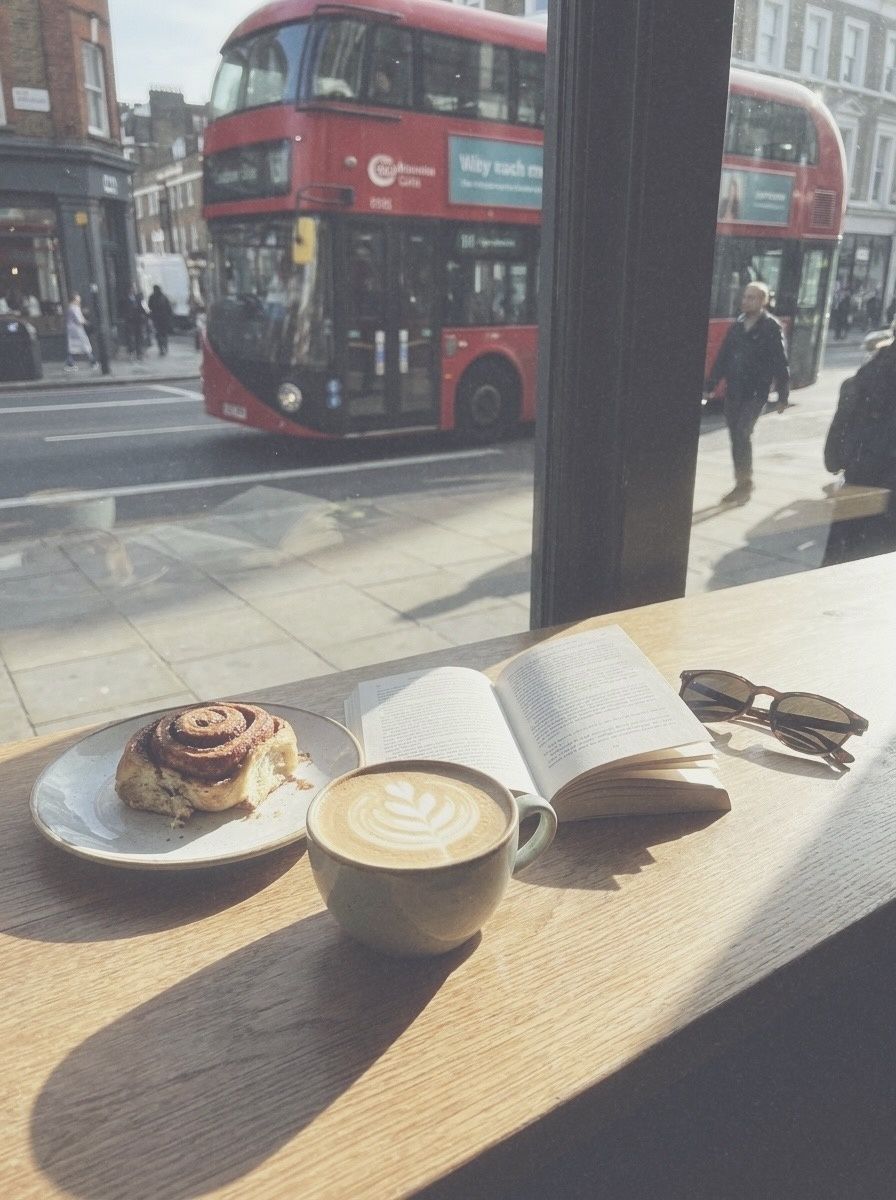 BeforeAfter · PAF
Instant film vs an instant filter
Real instant film is wonderful and expensive: every shot costs real money, the packs are temperature-sensitive, and the print is the only copy. That's part of the magic — and also why most people take two photos at a party and then stop. An instant filter flips it: shoot as many as you like, keep the ones that work, and send the print-look version to the group chat in seconds. If you love a photo enough, you can still print it.
What a filter can't do is give you the object. So if you're choosing between the two, use the real thing for the one photo of the night you want to hand to someone, and the filter for everything else.
Framing tips for instant prints
- Keep your subject in the middle. The print frame trims the edges, so centre faces and leave a little room around them.
- Go for simple light. Instant film loves soft daylight and flash. Very contrasty scenes (bright sky, dark shade) turn hazy — which can be lovely, but plan for it.
- Use the square for one subject. INST SQC works best with a single person or object; INST C's taller frame is better for full-body shots and small groups.
- Post them as prints. On a dark background or in a grid, the white borders do the work.
How to do it in Vinta
- Pick a camera
Open Vinta and tap the camera button at the bottom right. The drawer lists every camera with a one-line description of its look.
- Shoot or import
Press the shutter to shoot with the look applied live, or tap the import button to bring in a photo you've already taken.
- Develop & save
On the Develop Photo screen, swipe through the cameras to preview each look on your photo, then tap Develop & Save. It lands in your Photos library, with no watermark.
FAQ
Is there a free instant film filter for iPhone?
Yes. Vinta is free on the App Store and includes INST C, INST SQC and PAF. Exports have no watermark.
Does the filter add the white border?
Yes. INST C and INST SQC develop your photo into a print with a white border. PAF gives the peel-apart look without a frame.
Can I turn old photos into instant prints?
Yes. Import a photo from your camera roll, pick an instant camera on the Develop Photo screen and save the print to your library.
Is Vinta a Polaroid or Instax app?
No. Vinta is an independent app and isn't affiliated with Polaroid or Fujifilm. Its instant cameras are its own looks inspired by instant film in general.
About these photos: the “before” images are AI-generated stand-ins for everyday phone snapshots, made so we could show the same scenes across many cameras without using anyone's personal photos. Every “after” is the unedited output of Vinta developing that image on the date of this post — no extra editing, no cherry-picked presets.
Polaroid and Instax are trademarks of their respective owners and are mentioned only to describe a photographic style. Vinta isn't affiliated with or endorsed by them.
More before & afters
-
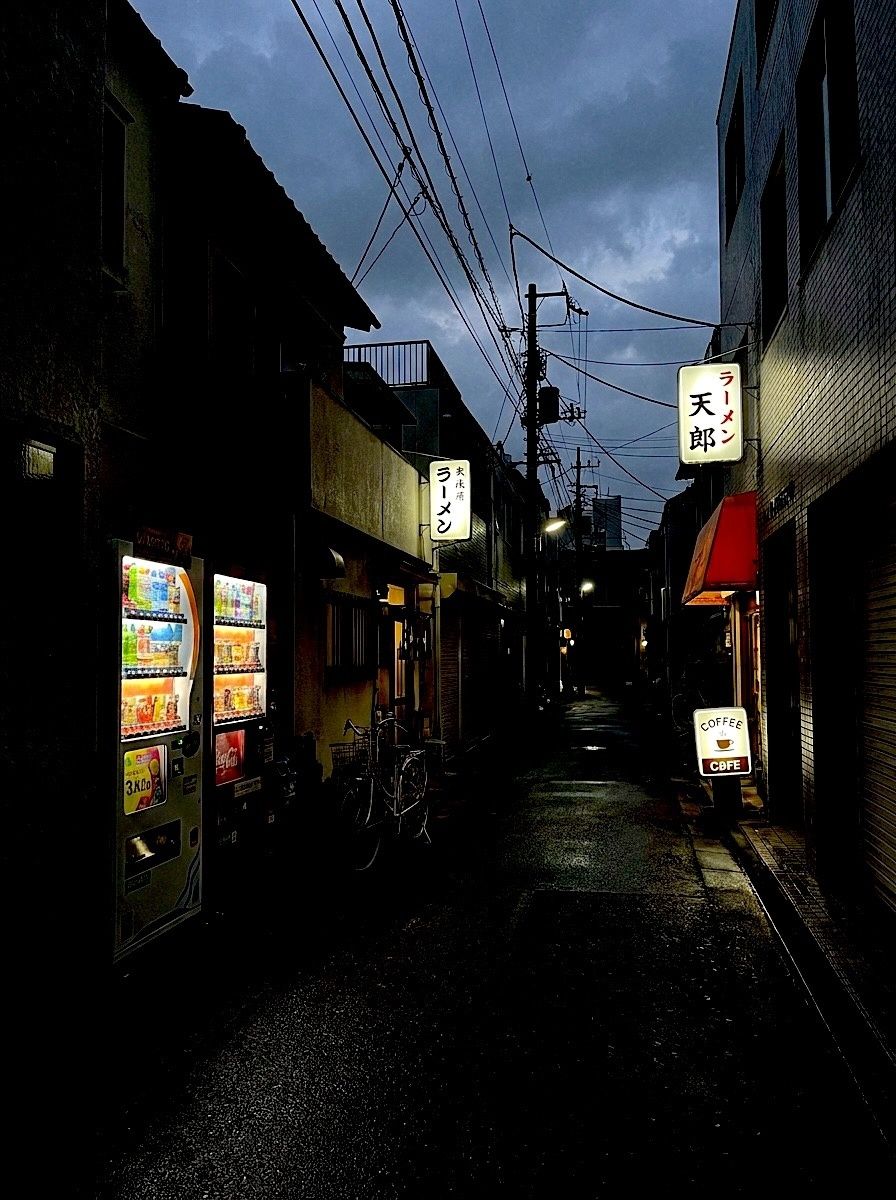
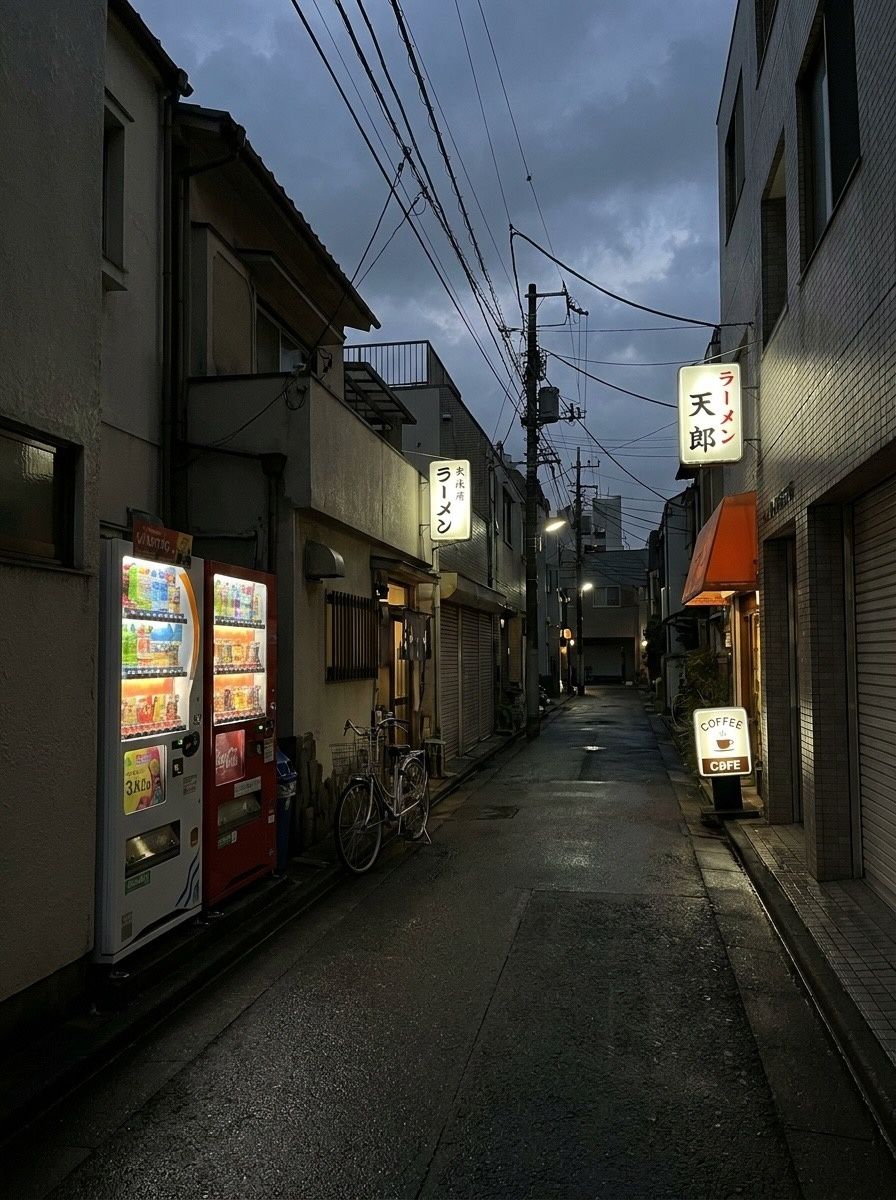 FXN
Before & after · FXN
The Fuji film look on iPhone, before & after
Crisp colour, deep shadows that lean green and skin that stays natural. Six photos through FXN.
-
 DISPOSABLE-1
Before & after · Disposables
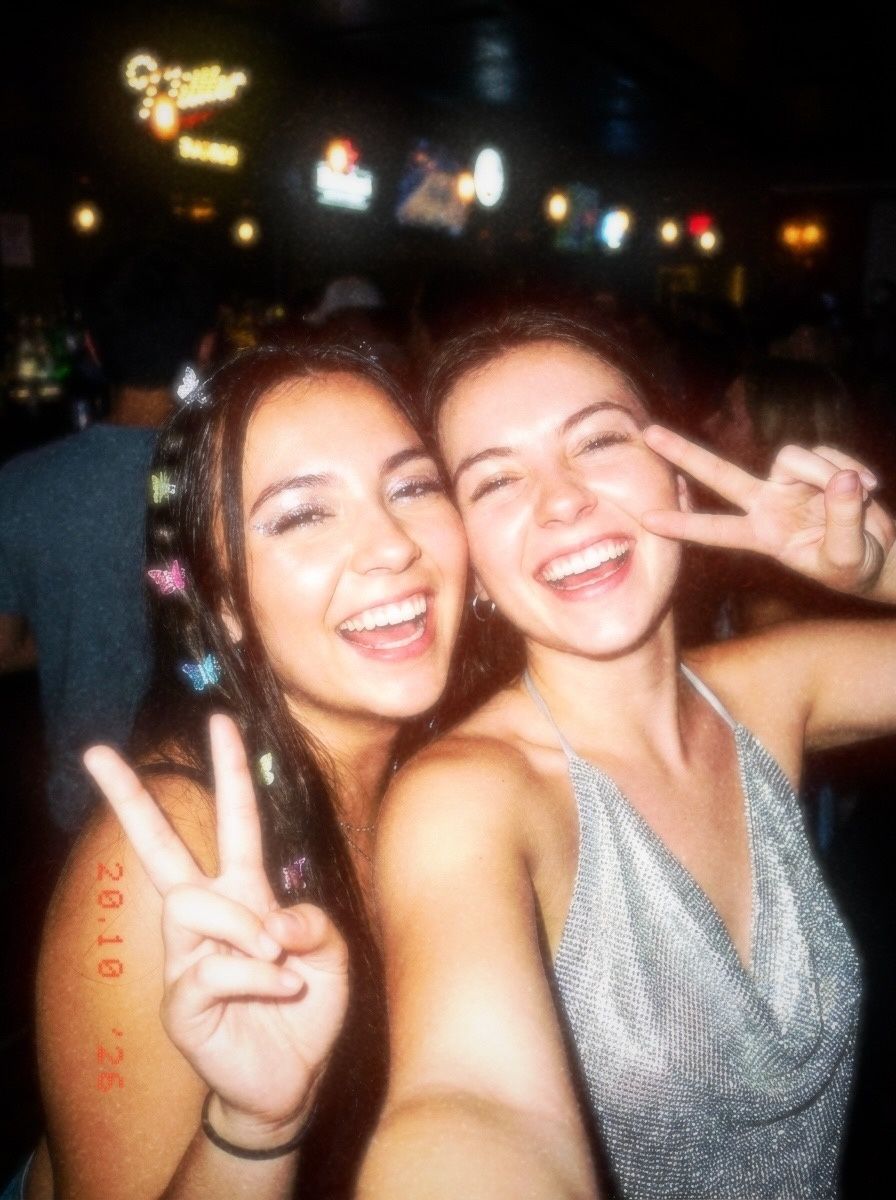
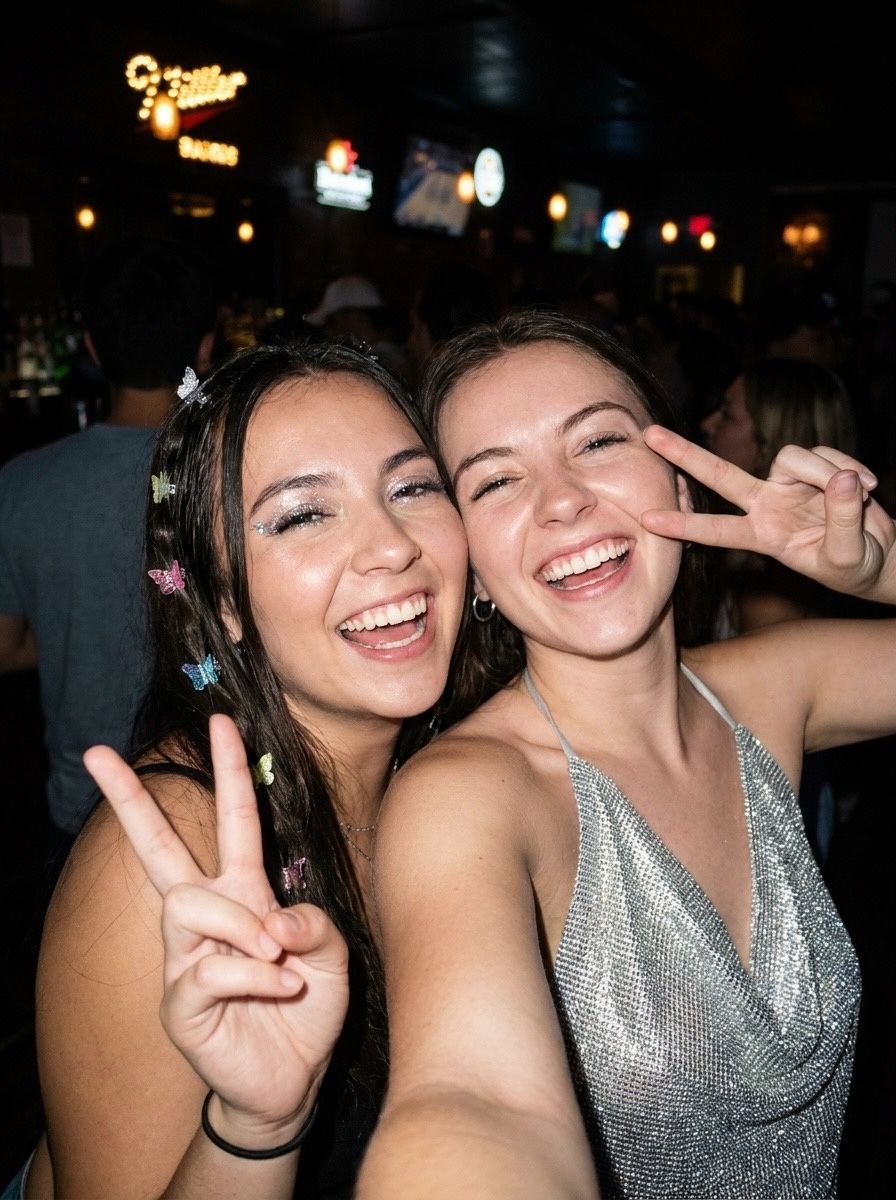
Disposable camera filter: flash, grain, date stamp
Harsh flash, warm grain, light leaks and the orange date stamp. Five photos, five disposables.
-

 CCD
Before & after · CCD
The Y2K digicam look, before & after
Cool, crisp and lit by a tiny flash: the 2006 pocket camera look, four ways.