 VINTA
Before & after · Halloween
Halloween photo filters that look like 2003
The best Halloween photos don't need a fake cobweb overlay. They look like they were found in a shoebox: a bit faded, lit by a flash, a little off. Here are five vintage looks for costume parties, pumpkin carving and autumn walks — each shown before and after.
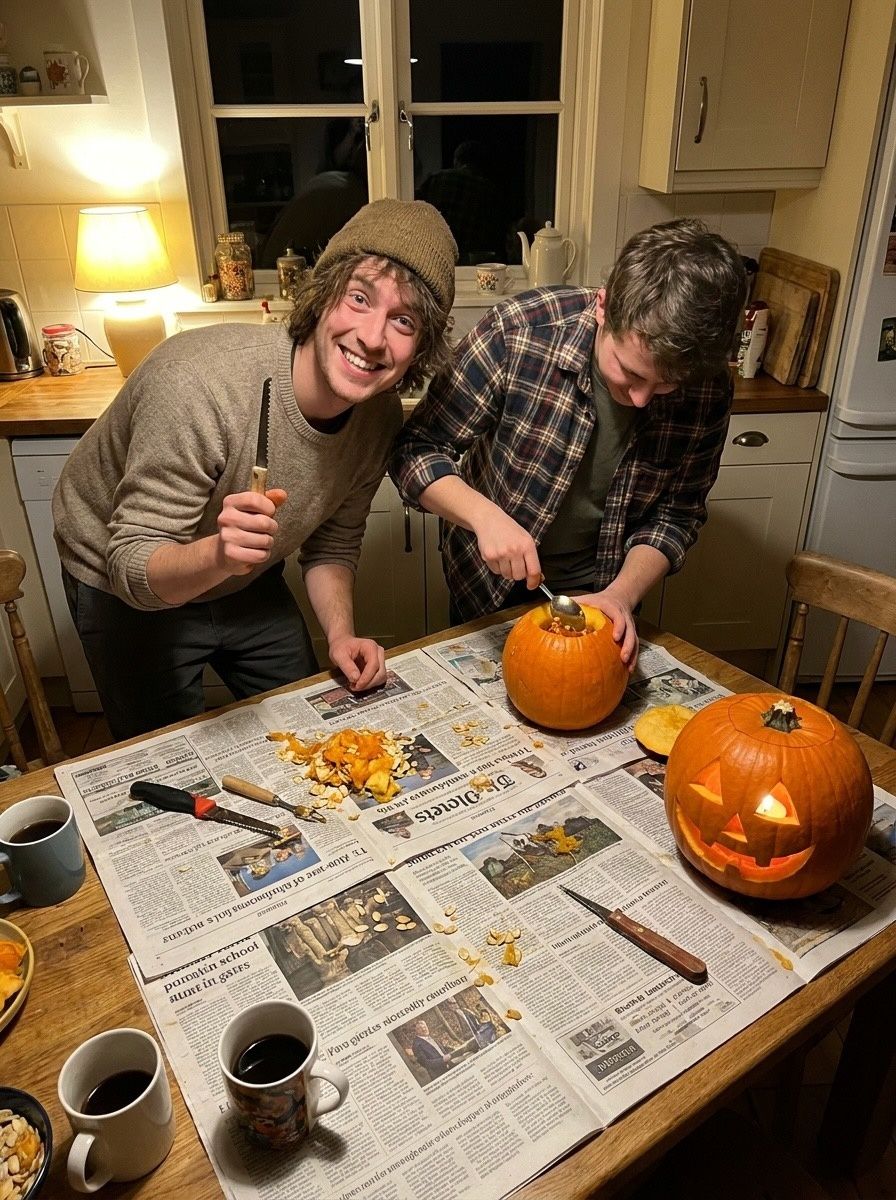
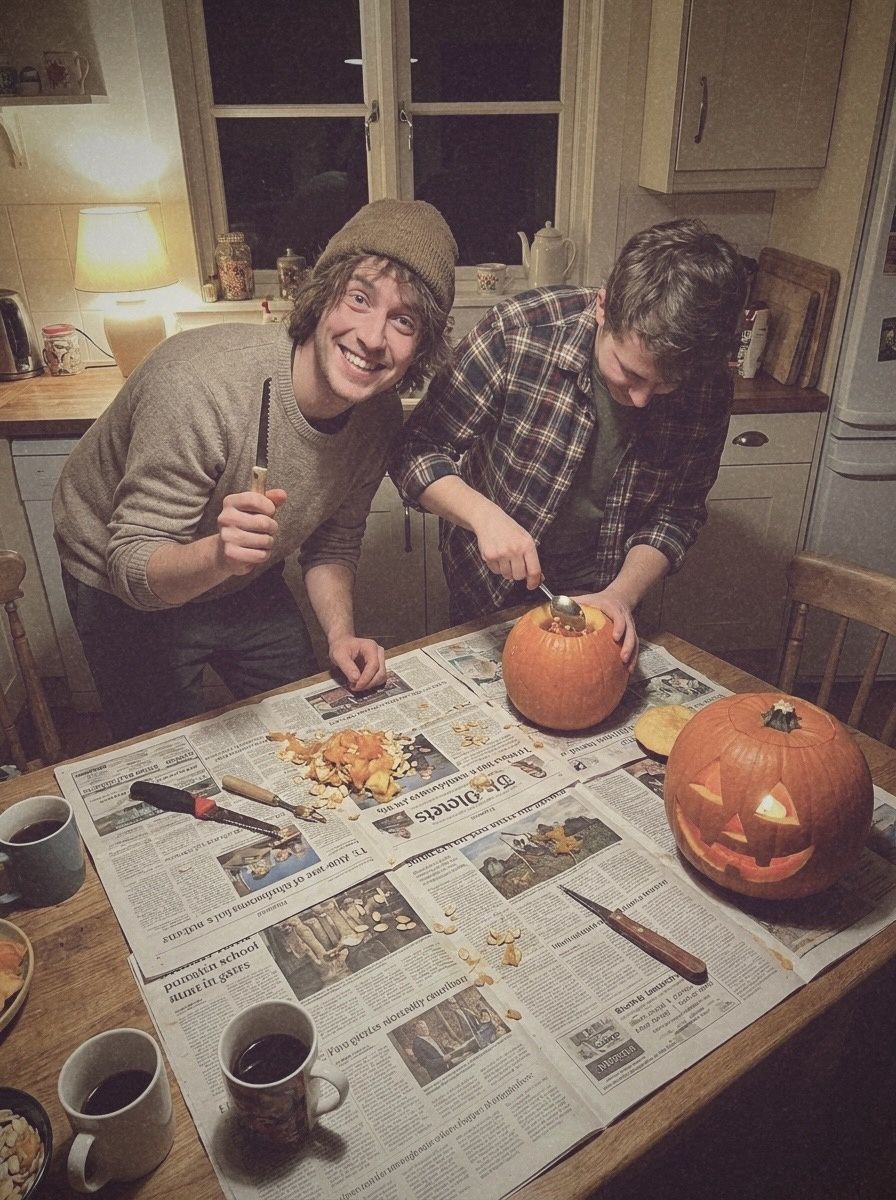 BeforeAfter · XPIRED
In this post
- Costume party: D FUNS and INST C
- Pumpkin carving: XPIRED and D CLASSIC
- Autumn walk: IR
- A Halloween photo dump shot list
- Five tips for Halloween photos
- How to do it in Vinta
Vintage looks suit Halloween because the holiday is already nostalgic: home-made costumes, pumpkins on the counter, a house full of people and one friend with a camera. A modern phone photo makes all of that look a bit too clean. These looks put the grain, the flash and the faded colour back.
Costume party: D FUNS and INST C
D FUNS is a pink-flash disposable. It warms skin, leans pink in the highlights and makes fairy lights glow — perfect for a kitchen full of witches and cowgirls. For one photo you want to keep, turn it into a print with INST C.
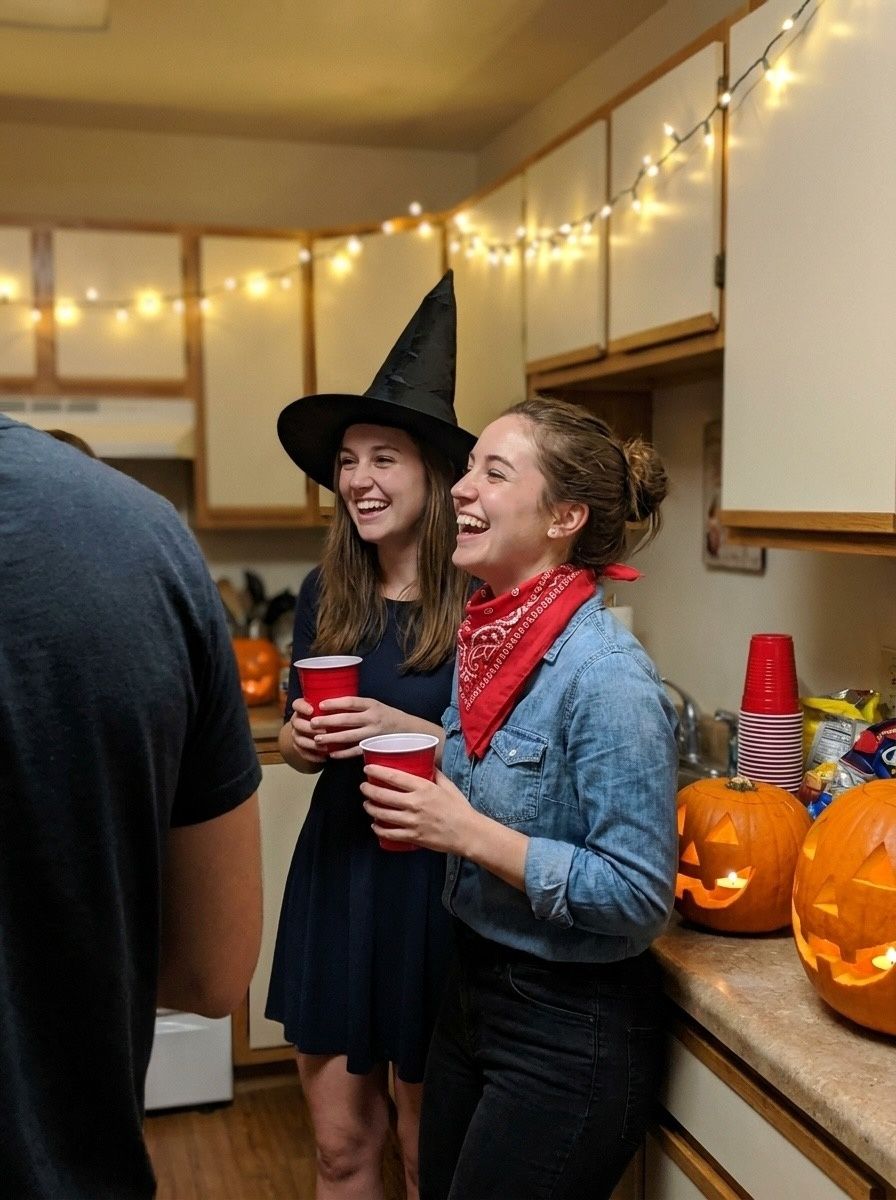
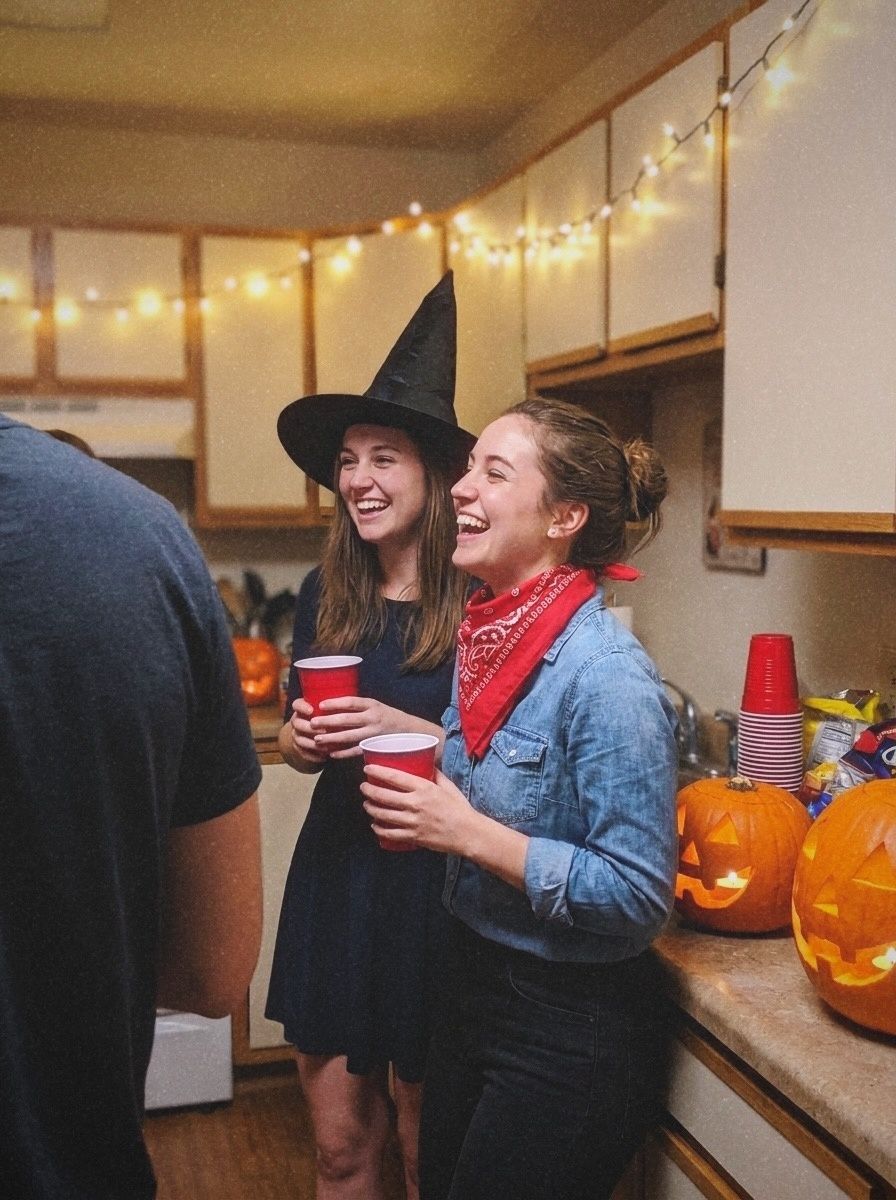 BeforeAfter · D FUNS
Before
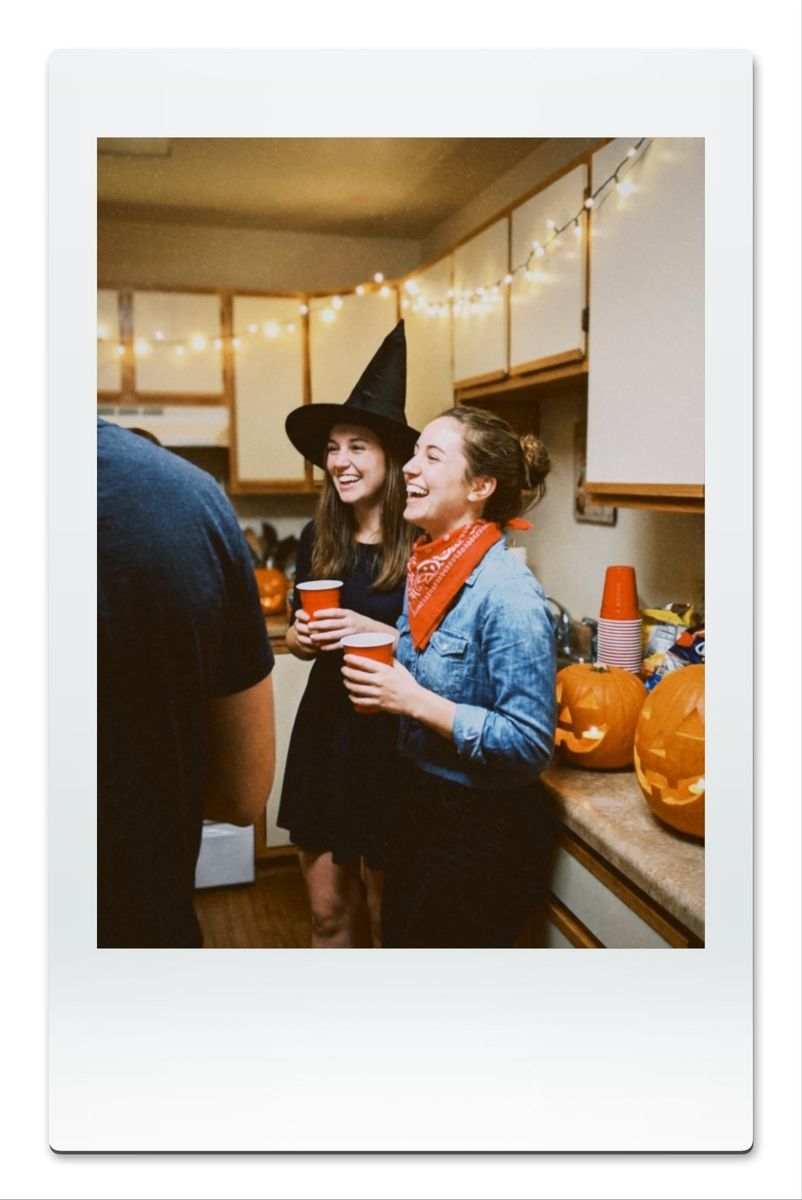 After · INST C
Pumpkin carving: XPIRED and D CLASSIC
XPIRED is Vinta's “found in a drawer, 2003” camera: the faded, colour-shifted look of film that sat in a cupboard for years before it was shot. Blacks lift, colours drift towards magenta, and everything looks like a memory. D CLASSIC is a faded 80s colour negative with a dark frame — warmer and moodier.
BeforeAfter · XPIRED
Before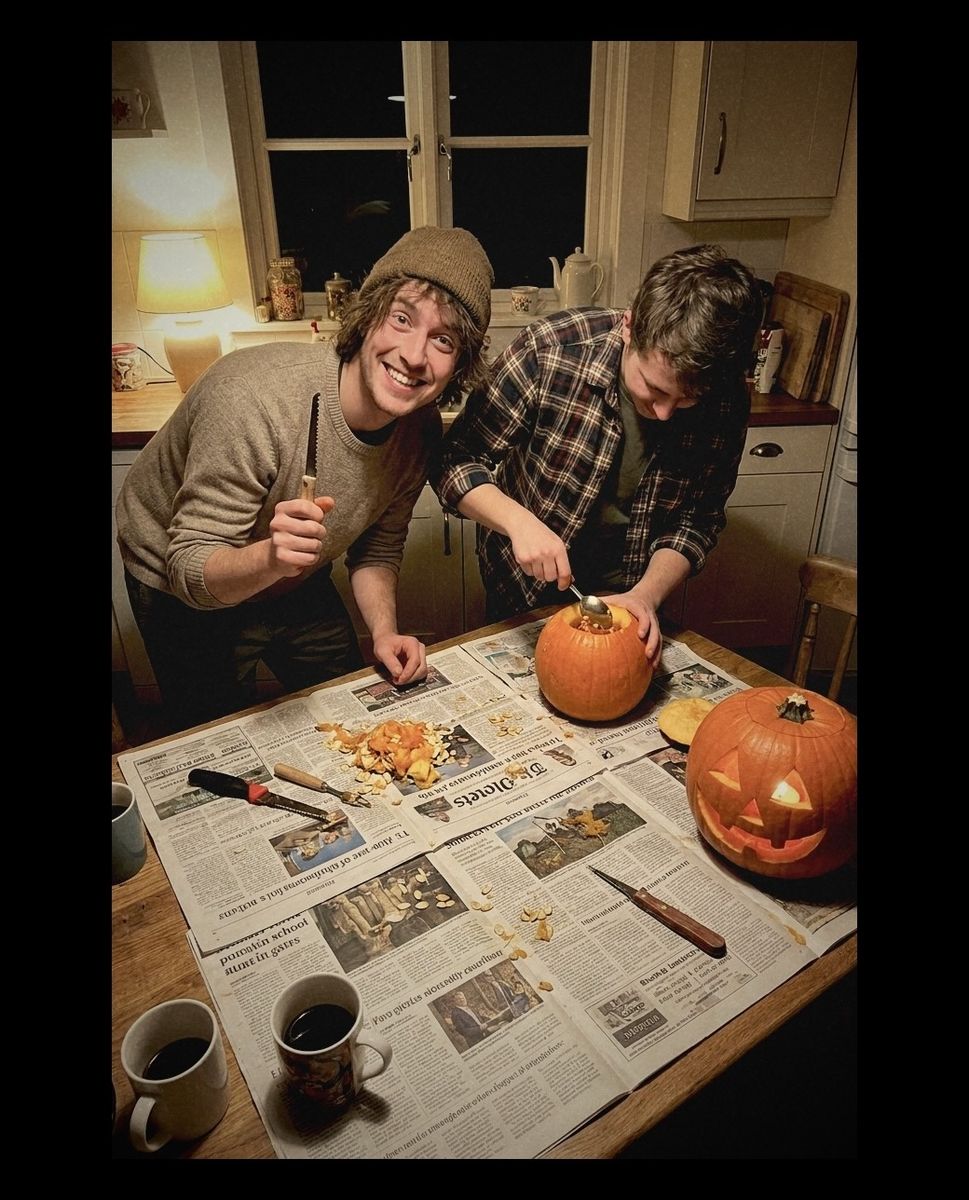 After · D CLASSIC
Autumn walk: IR
IR — “infrared dream fields” — is the strangest camera in Vinta and the best one for an eerie autumn photo. It's a false-colour look: colours trade places, so orange leaves turn green and a pale sky turns pink. Point it at trees.
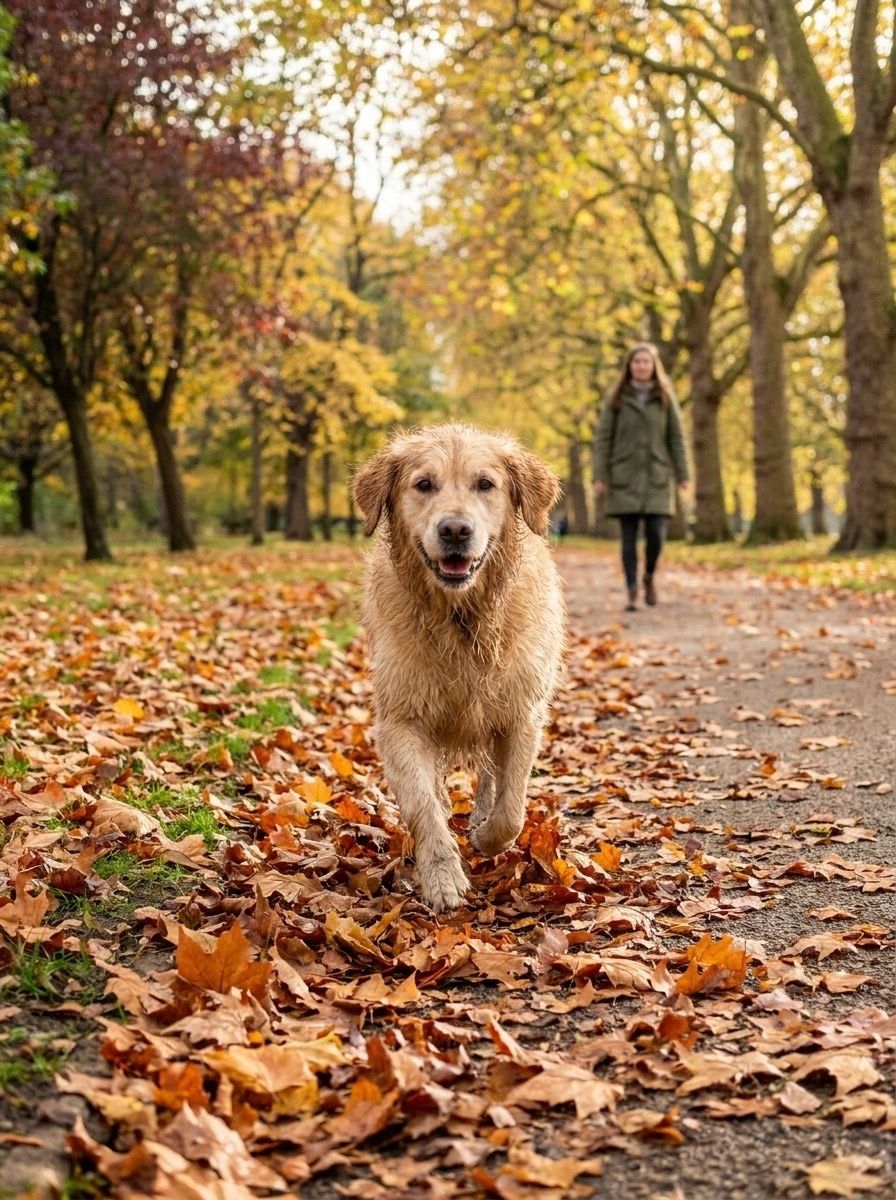
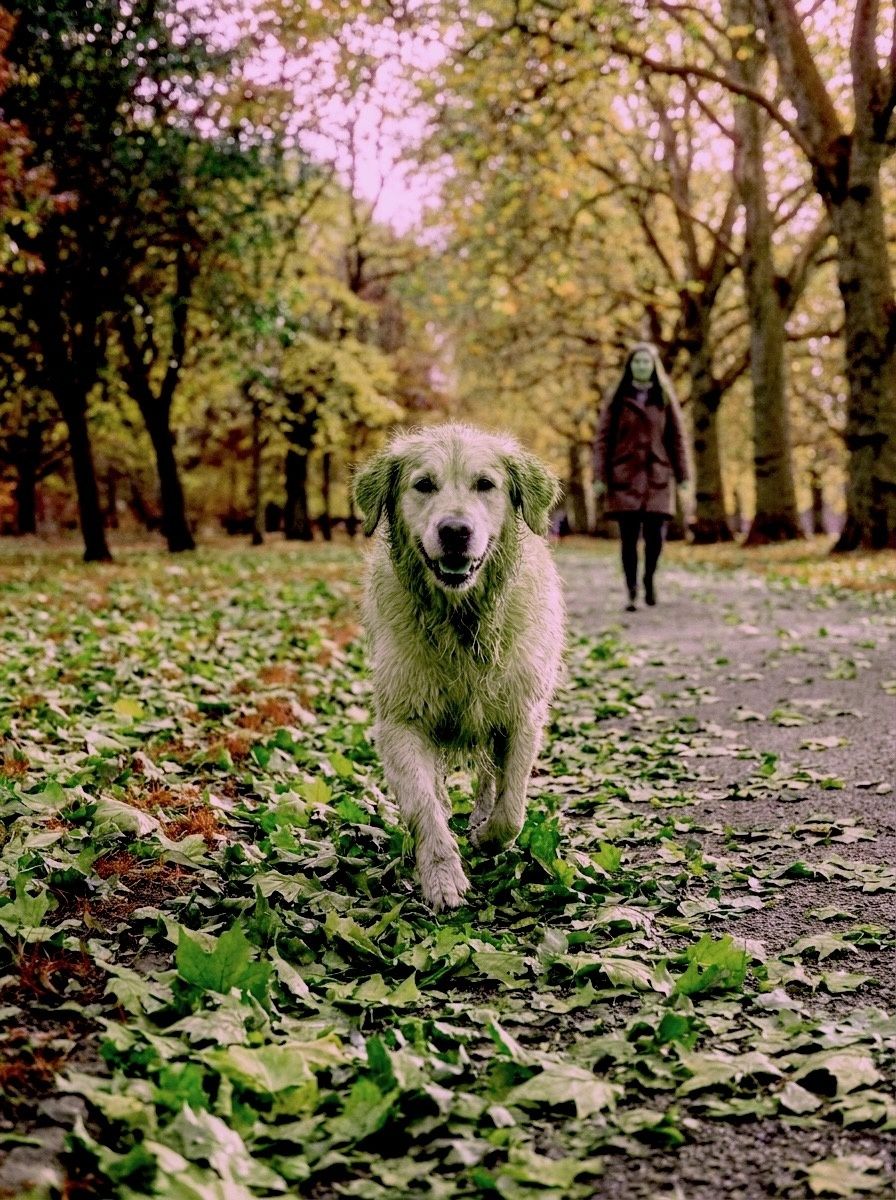 BeforeAfter · IR
A Halloween photo dump shot list
A good Halloween dump tells the story of the night. Ten frames that always work:
- The costume laid out on the bed before you get dressed.
- A mirror selfie, mid-makeup.
- The front door or porch with pumpkins lit.
- The whole group, flash on, slightly too close.
- A detail: fangs, fake blood, a witch hat on a chair.
- The snack table.
- Someone laughing too hard to pose.
- The dance floor, blurry on purpose.
- An instant print of the best costume.
- The aftermath: candy wrappers, melted candles, a pumpkin with its lid off.
Shoot frames 3, 5 and 10 on XPIRED or D CLASSIC, the people shots on D FUNS or a disposable, and make number 9 a print with INST C.
Five tips for Halloween photos
- Use the flash. Costume parties are dark. Flash looks like D FUNS and the disposables are built for it.
- Shoot the details. Pumpkins, plastic fangs, fake blood on a cup — close-ups make the best photo dumps.
- Keep the candlelight. Turn off the overhead light and let pumpkins and fairy lights do the work; XPIRED and D CLASSIC love warm, low light.
- Get one group print. Make one photo an instant print with INST C for the group chat.
- Mix two looks, not five. A dump that sticks to a flash look plus one print looks intentional.
How to do it in Vinta
- Pick a camera
Open Vinta and tap the camera button at the bottom right. The drawer lists every camera with a one-line description of its look.
- Shoot or import
Press the shutter to shoot with the look applied live, or tap the import button to bring in a photo you've already taken.
- Develop & save
On the Develop Photo screen, swipe through the cameras to preview each look on your photo, then tap Develop & Save. It lands in your Photos library, with no watermark.
FAQ
What is the best photo filter for Halloween?
For costume parties, a flash look like D FUNS or FQS. For pumpkins and candlelight, XPIRED or D CLASSIC. For something eerie outdoors, IR. All of them are in Vinta.
Can I use these filters on Halloween photos I already took?
Yes. Import them into Vinta, choose a camera on the Develop Photo screen and save. You can preview every camera on the same photo first.
What does the IR camera do?
IR is a false-colour infrared look. Colours trade places — warm leaves can turn green and a pale sky can turn pink — which makes ordinary autumn scenes look dreamlike.
Is it free?
Vinta is free on the App Store, with no watermark on exports.
About these photos: the “before” images are AI-generated stand-ins for everyday phone snapshots, made so we could show the same scenes across many cameras without using anyone's personal photos. Every “after” is the unedited output of Vinta developing that image on the date of this post — no extra editing, no cherry-picked presets.
More before & afters
-
 FXN
Before & after · FXN
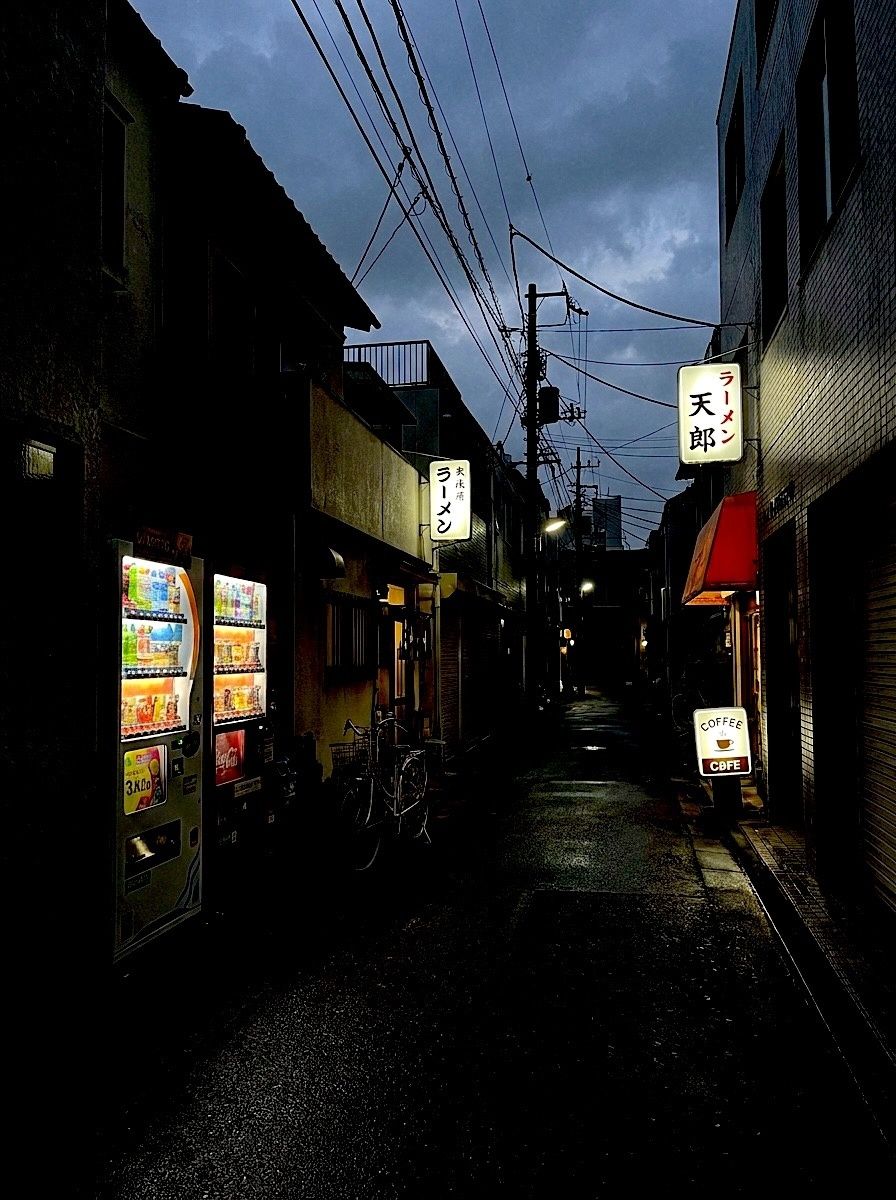
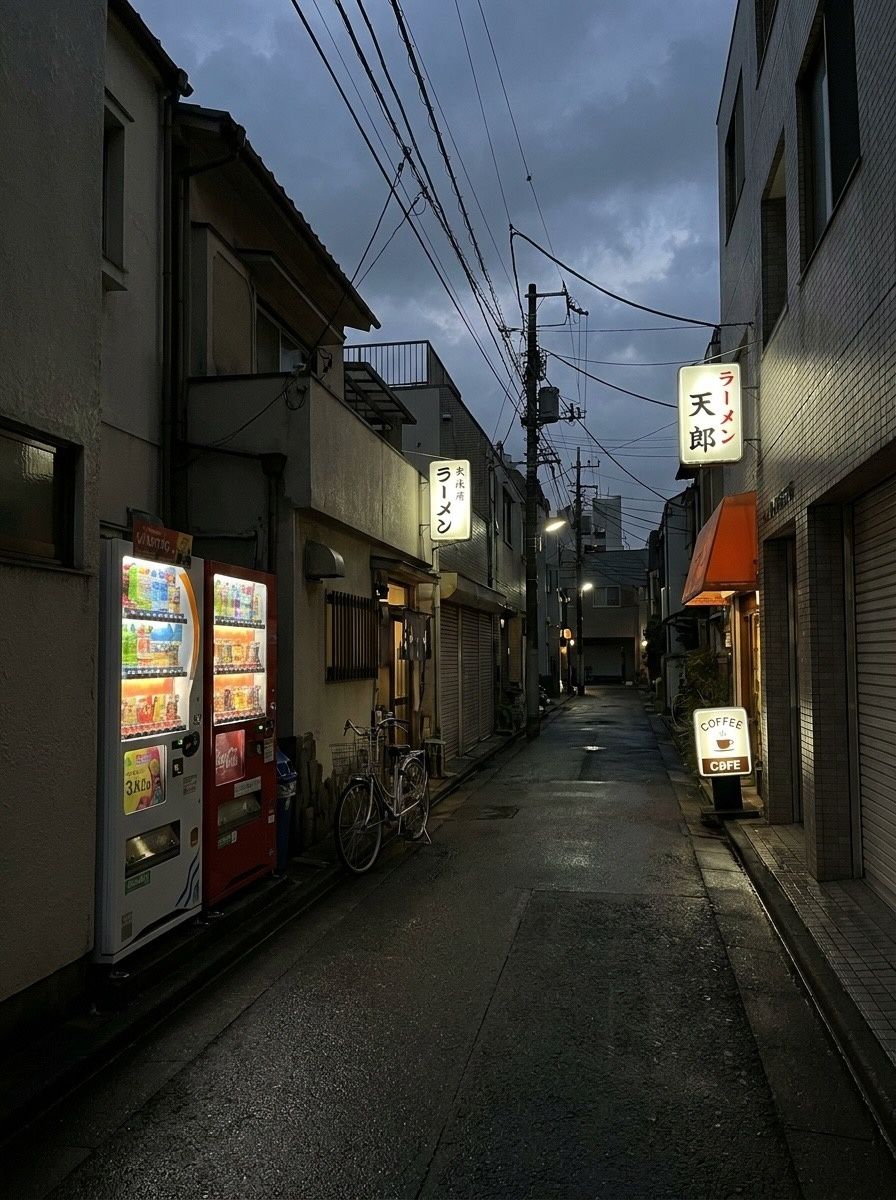
The Fuji film look on iPhone, before & after
Crisp colour, deep shadows that lean green and skin that stays natural. Six photos through FXN.
-
 DISPOSABLE-1
Before & after · Disposables
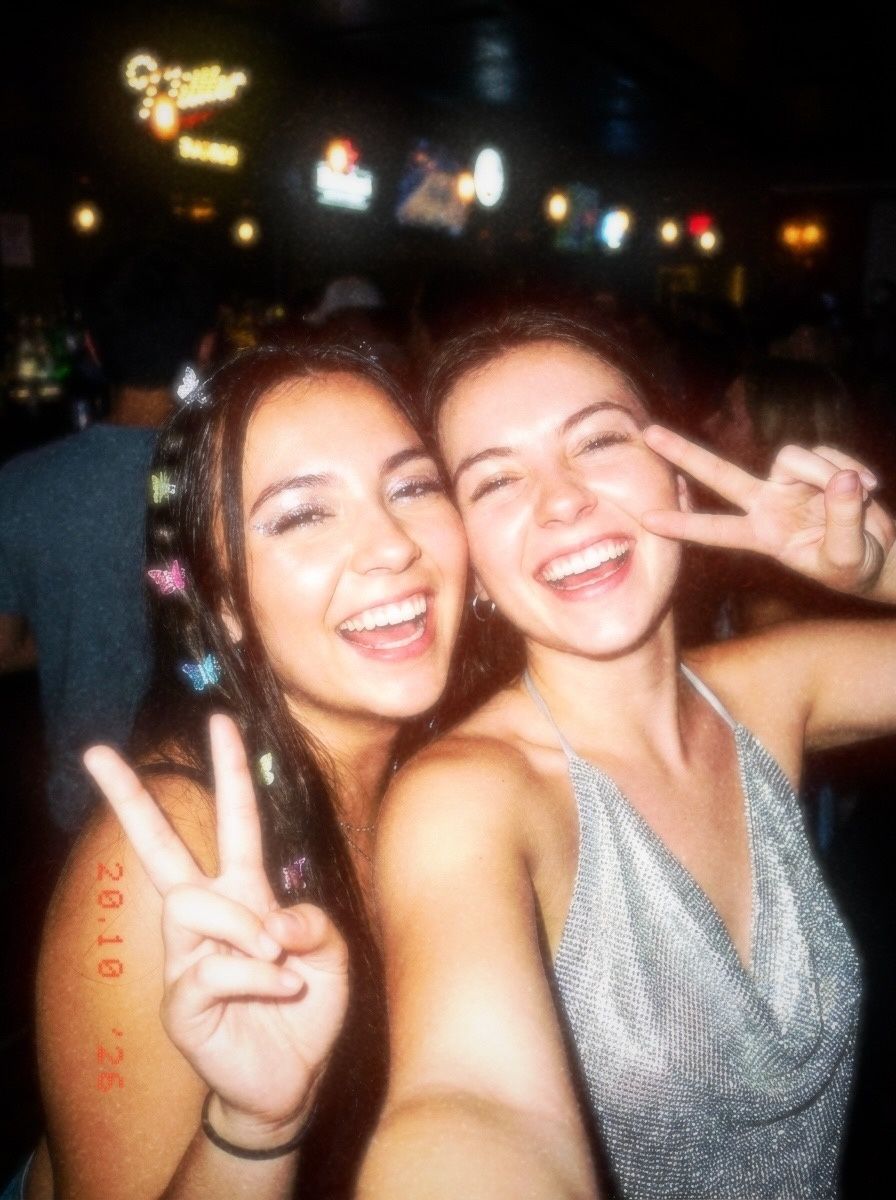
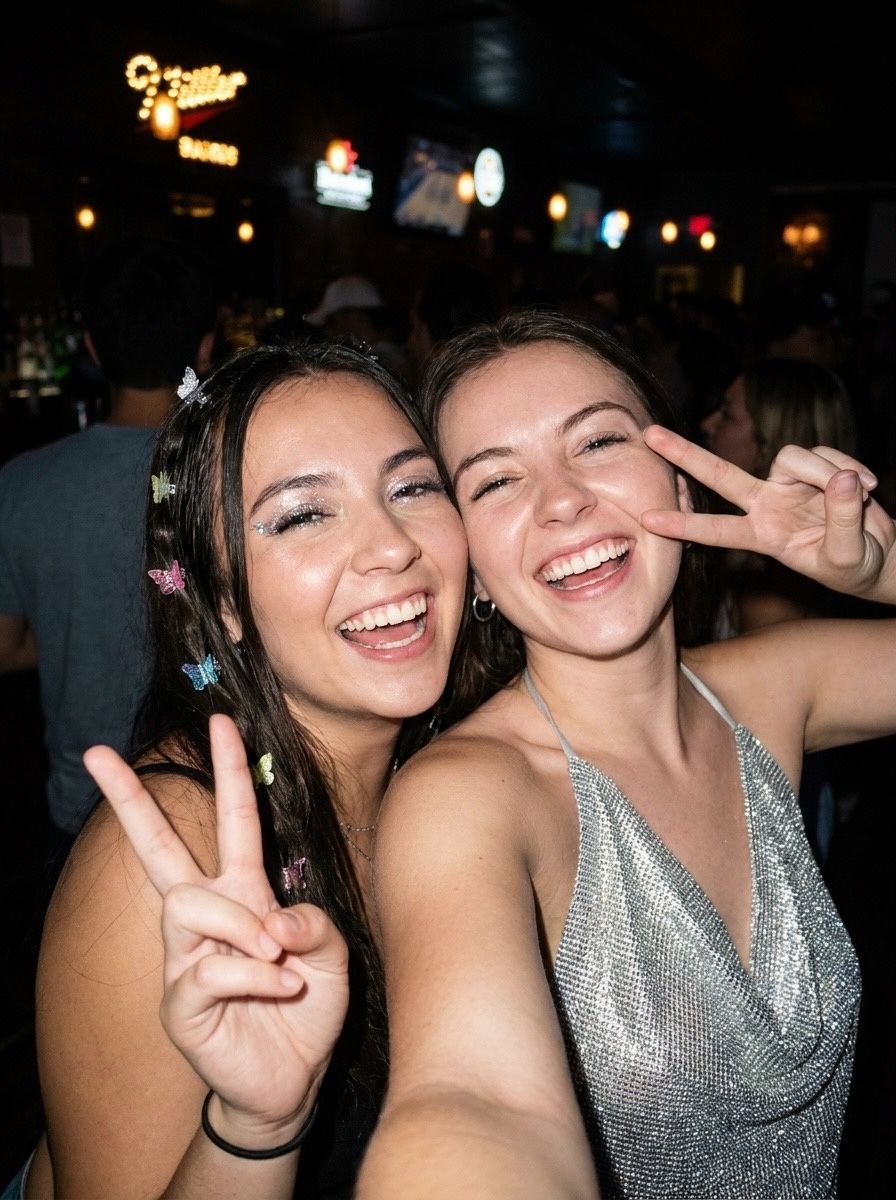
Disposable camera filter: flash, grain, date stamp
Harsh flash, warm grain, light leaks and the orange date stamp. Five photos, five disposables.
-
 CCD
Before & after · CCD
The Y2K digicam look, before & after
Cool, crisp and lit by a tiny flash: the 2006 pocket camera look, four ways.